|
System |
Deployment |
Owner or parent |
Year |
Typical practice |
Published pricing (entry) |
Mobile and tablet |
Client communication |
AI scribe or dictation |
API or integrations |
|
Server |
Covetrus |
1980s |
Solo to mid-size GP |
Quote |
Remote access only |
Add-on or third party |
Third party |
Covetrus Connect partners |
|
|
Server |
IDEXX |
1990s |
GP to large hospital |
Quote |
Remote access only |
Vello (add-on) |
Third party |
Large partner list |
|
|
Server |
HVMS Software (Calgary) |
2006 |
Mid to large equine |
Quote |
Ask |
Ask |
Ask |
Ask |
|
|
ImproMed (Infinity) |
Server |
Covetrus |
1980s |
GP, mixed animal |
Quote |
Remote access only |
Add-on or third party |
Third party |
Covetrus Connect partners |
|
Hosted legacy |
Independent (Grove City, OH) |
Ask |
Small GP |
Quote |
Ask |
Ask |
Ask |
Ask |
|
|
Cloud-native |
Independent |
2020s |
Clinic to ER, multi-site |
From $249/mo (third-party listing) |
Pet owner app; staff ask |
Built in |
Built in (voice charting) |
Ask |
|
|
Cloud-native |
Covetrus |
2022 |
Solo to multi-doctor GP |
Quote |
Browser and mobile |
Built in (Covetrus Comms) |
Built in |
Covetrus Connect partners |
|
|
Cloud-native |
DaySmart Software |
2011 |
GP to multi-location |
From $123/mo |
Browser |
Built in |
Built in (Daisy Voice) |
Partner integrations |
|
|
Cloud-native |
Independent |
2017 |
GP to multi-location |
Quote |
Browser and apps |
Built in, client app |
Add-on (Tails AI) |
Integration marketplace |
|
|
Cloud-native |
IDEXX |
2006 |
Mid-size GP to specialty and groups |
From $260.50/user/mo (third-party listing) |
Browser, tablet |
Built in plus Vello |
Third party, including IDEXX-owned CoVet |
Large partner list |
|
|
Cloud-native |
IDEXX |
c. 2017 |
Small GP |
Quote |
Browser, tablet |
Built in plus Vello |
Built in (AI-Assisted Notes) |
IDEXX and partner integrations |
|
|
Cloud-native |
Instinct Science |
c. 2016 |
Specialty, ER, GP, Multi-location |
Quote |
Browser, tablet |
Built in (owner chat) |
Built in (ScribbleVet) |
API available |
|
|
Cloud-native |
Koi Technologies (Clearwater, FL) |
2021 |
Small practices, many types |
Quote |
Browser |
Built in (reminders) |
None listed |
None listed |
|
|
Cloud-native |
Independent (London) |
2020s |
GP to multi-location |
$1400/location plus $70/user per mo |
Browser, client app |
Built in |
Built in |
Named integrations |
|
|
Cloud-native |
Patterson Veterinary |
c. 2017 |
Small to mid-size GP |
$200 to $400/mo by user tier |
Mobile app |
Built in (messages billed per bundle) |
Ask |
Ask |
|
|
Cloud-native |
Independent (Oakland, CA) |
2021 |
GP to multi-location |
Quote |
Browser |
Built in (ask scope) |
Ask |
Ask |
|
|
Cloud-native |
Onward Systems |
2010s |
GP to multi-location |
From $300/mo (third-party listing) |
Browser, tablet |
Built in (SMS) |
Built in (ask scope) |
Ask |
|
|
Cloud-native |
Independent (Zionsville, IN) |
2025 |
GP to multi-location |
From $499/location per month |
Browser, tablet |
Built in |
Built in |
Open API |
|
|
Cloud-native |
Nordhealth (Helsinki) |
2000s |
GP to multi-location |
$249/mo platform fee incl. 1 vet, plus $99/vet |
Browser, tablet |
Built in |
Add-on, $40/seat/mo |
Open API, MCP connector |
|
|
Cloud-native |
Thrive Software (Salt Lake City) |
2024 |
GP, multi-location |
Quote |
Pet parent app; staff ask |
Built in (CRM) |
Built in (live dictation) |
None listed |
|
|
Cloud-native |
Independent (Prescott, AZ) |
2016 |
GP, multi-location |
Quote |
Browser, iPad |
Built in |
Built in (ShepherdAI) |
Partner integrations |
|
|
Cloud-native |
VetBadger LLC (Portland, OR) |
2014 |
Small GP, mobile |
$250 to $450/mo incl. 1 vet; mobile $135 to $315 |
Browser |
Built in (SMS and email) |
Ask |
QuickBooks; ask others |
|
|
Cloud-native |
FirmCloud Corp |
2012 |
Small, mobile, equine |
Quote |
Browser |
Built in (notifications) |
None listed |
Ask |
|
|
Cloud-native |
VetPort LLC (Milford, OH) |
2003 |
Small to multi-site |
From $229/mo |
Browser |
Ask |
Ask |
Ask |
|
|
Cloud-native |
Independent (Battery Ventures backed) |
2017 |
GP to groups |
Quote |
Browser, tablet |
Built in (ask scope) |
Built in |
API (ask scope) |
Veterinary Software Comparison 2027: 25 PIMS Side by Side
Veterinary software comparison for 2027: 25 practice management systems side by side on deployment, pricing, AI, mobile, and APIs.

It's 7:40 on a Tuesday morning in late October, and the practice manager at a three-doctor hospital outside Columbus has four browser tabs open, a budget meeting at noon, and a spreadsheet she started in 2023 and never finished. One tab is a review site listing "the 10 best" systems, half of which her owner has never heard of. One is a vendor page that says "request pricing." One is a Facebook group thread where 60 people answered "what PIMS do you use?" with 22 different names. The last is her current system's renewal notice, which went up 9 percent. She doesn't need another list. She needs a veterinary software comparison that puts the same facts about every product in the same columns, so she can cross off 20 of them before lunch and spend her real evaluation time on the other three.
That's what this article is. It's a side-by-side matrix of 25 practice information management systems (PIMS) currently sold in North America, built from the VetSoftwareHub directory of 200+ vendors and from close to a decade of watching practices buy, implement, and sometimes regret these products. The matrix doesn't tell you which system to buy. It tells you which systems belong in the conversation for a practice like yours, and which questions to ask the ones that survive the first cut.
The timing matters. Q4 is when budgets get set, renewals get signed, and owners decide whether next year is the year they finally switch. The market moved a lot in 2026. Instinct Science acquired ScribbleVet in January. Vetspire took a growth investment from Battery Ventures in August and now operates as a standalone company again. IDEXX acquired CoVet in September. Covetrus agreed to merge with MWI Animal Health in February, and on November 13 the FTC sued to block that deal. If your last look at the PIMS landscape was two years ago, the map you're carrying is out of date.
For the full evaluation process, from requirements through contract signature, the 2027 Veterinary Software Buyer's Guide is the anchor. This article is the reference table that sits beside it.
This article is published by VetSoftwareHub, an independent vendor-neutral directory with no financial relationship with any of the companies covered here. We do not accept referral fees or equity positions, and we do not steer practices toward any particular product. What follows is a plain-language overview of the landscape.
Why a veterinary software comparison is harder than it looks
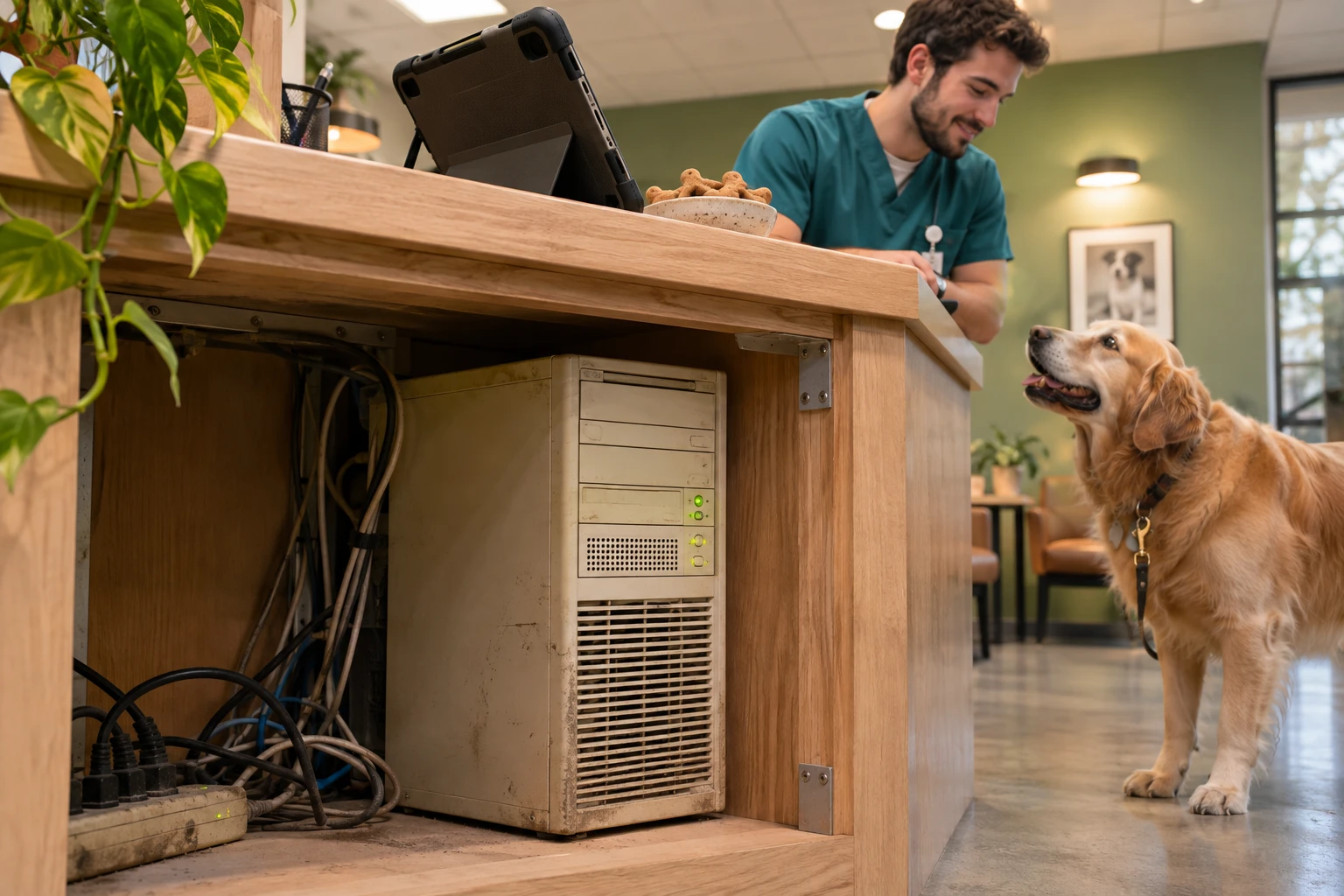
On paper, every PIMS does the same job. It books appointments, holds the medical record, builds the invoice, tracks inventory, and sends reminders. Every vendor demo covers those five things, and every feature checklist on a review site has a green check next to all of them. The honest answer is that the checklist is where most comparisons go wrong, because the differences that decide whether a system works for your practice don't show up as a yes or a no.
The first structural challenge is that nobody publishes prices the same way. Of the 25 systems in the matrix below, roughly a third publish a number you can put in a budget. The rest say "contact us." The ones that do publish use at least four different units: per doctor, per user, per location, or a flat practice fee, often with a platform fee layered on top. A system that charges per doctor and gives staff free logins can cost half as much as one that charges per user for a hospital with three doctors and fourteen support staff, and twice as much for a solo mobile vet with one assistant. You can't compare those numbers until you convert them to your own headcount.
The second challenge is that the word "cloud" covers three very different architectures. A server-based system with remote desktop access, a legacy product that the vendor now hosts in its own data center, and a system written from scratch for the browser can all appear on a website under the same heading. They behave very differently on a Tuesday afternoon when your internet drops, when you open a second location, or when you want a third-party AI scribe to write directly into the record.
The third challenge is ownership. Nine of the 25 systems in this matrix are owned by one of three companies: IDEXX, Covetrus, or Patterson. Those parent companies also sell diagnostics, pharmacy, and distribution, and their software roadmaps are shaped by that. That isn't good or bad on its face, but it changes which integrations are first-class and which are tolerated, and it changes what happens to your software if the parent company merges, divests, or reorganizes. The Covetrus and MWI situation is a live example.
The fourth challenge is that the product you see in a demo is the product as configured by a sales engineer with clean data. The product you live with is the product as configured by your team, carrying 15 years of your codes, your reminders, and your inventory habits. Two practices on the same PIMS can have completely different experiences, and online reviews mostly measure the implementation rather than the software. That's why a comparison matrix is a starting point for a shortlist, never a substitute for demos built around your own workflows and calls to practices that look like yours.
The strategic value to practices
The PIMS is the system of record for nearly everything a practice does, so the choice reaches past the front desk into money, medicine, and the people who do the work.
Operationally, the PIMS sets the pace of the day. Every check-in, every SOAP note, every estimate, every refill request, and every end-of-day reconciliation passes through it. A system that adds 30 seconds to each appointment adds roughly two hours a week for a doctor who sees 20 patients a day. Multiply that across a team and it becomes the difference between leaving on time and not. The newer cloud-native systems compete hard on this, which is why so many of them now bundle an AI scribe, two-way texting, and online booking directly into the product rather than leaving those to add-ons.
Financially, the PIMS determines how much of the work you do actually reaches the invoice. Missed charges, unbilled fluids, forgotten nail trims on a dental, a controlled substance logged but not charged: these add up quietly. For a practice doing $2.5 million a year, recovering even 1 percent of revenue through better charge capture is $25,000 annually, which on its own can cover the subscription for most of the systems in this matrix. The PIMS also determines what you pay for everything bolted onto it. Practices that stack a separate client communication tool, a separate scribe, a separate payments provider, and a separate online booking widget often spend more on the stack than on the PIMS itself.
Clinically, the PIMS shapes what the doctor sees at the moment of a decision. Can the doctor see last year's bloodwork trend next to today's results without three clicks? Does the record flag a drug interaction? Does the treatment sheet in the ICU talk to the invoice? Systems that started in specialty and emergency settings tend to be stronger here, and systems that started in general practice tend to be stronger at reminders, wellness plans, and the front desk. A clear sense of which matters more to your hospital narrows the field quickly. If the terminology itself is muddy (PIMS, EMR, EHR, and "veterinary operating system" are often used interchangeably), the EMR vs PIMS vs EHR explainer sorts out what each term means and why vendors use them the way they do.
The three categories of practice management software
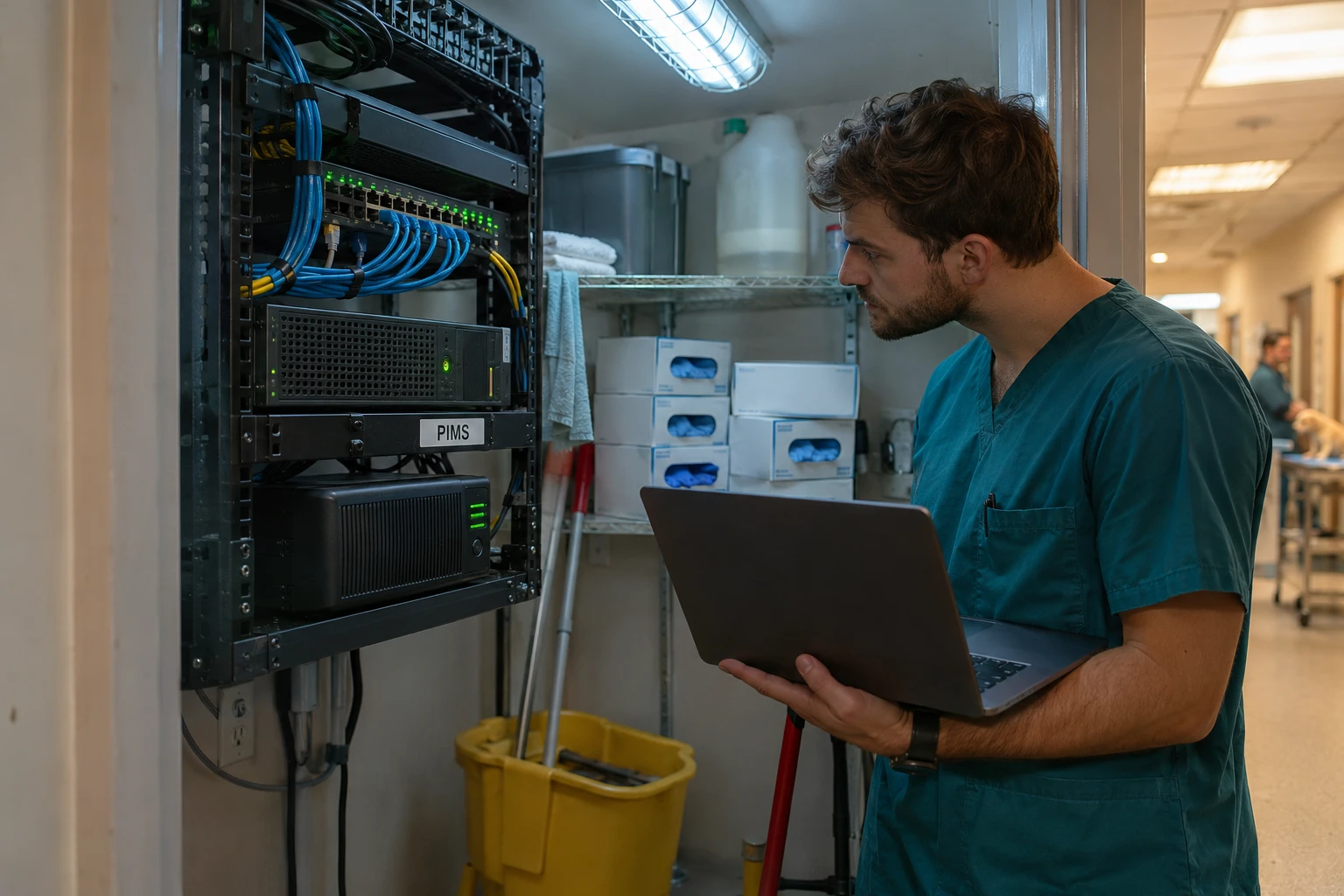
VetSoftwareHub sorts every PIMS into one of three deployment categories. The category doesn't decide quality, but it predicts a lot about cost structure, IT burden, integration flexibility, and how fast the product changes.
The first category is server-based. The software runs on a computer in your building, and the practice owns the hardware, the backups, the Windows updates, and the risk. These are the long-established systems, many with 30 or more years of development behind them and deep, configurable feature sets. Avimark and Cornerstone are the two most widely installed examples. They're still sold and supported, but most new feature work across the industry is happening elsewhere.
The second category is hosted legacy. The vendor takes a product originally built for a local server and runs it in a data center, so the practice stops managing hardware. Cornerstone Cloud is the clearest example. Hosted legacy solves the server problem without changing the software itself, which is good news if your team loves the workflow and less good news if the workflow is what you wanted to escape.
The third category is cloud-native. The software was built for the browser from the start, runs on one shared codebase the vendor updates continuously, and is usually sold as a monthly subscription. Within this category there are two generations worth separating. The first generation, launched roughly between 2003 and 2012, includes products like VETport and VetBlue. The second generation, mostly launched after 2015, includes products like ezyVet, Shepherd, and Digitail, plus a 2024 to 2026 wave of "AI-native" entrants. Twenty of the 25 systems below are cloud-native. The Cloud PIMS guide covers the tradeoffs of this category in depth.
The four questions the matrix answers
The table is built to answer four questions in about ten minutes, so you can cut a list of 25 down to five or fewer.
First, can this system run my kind of practice? The deployment, typical practice size, and ownership columns tell you whether a product was built for a solo mobile vet, a three-doctor general practice, a 24-hour specialty hospital, or a 40-location group.
Second, can I estimate what it costs before I talk to sales? The pricing column shows the published model and entry price where one exists, and says plainly when it doesn't.
Third, how much of my current tool stack does it replace? The client communication and AI scribe columns show whether those functions are built in, sold as an add-on, or left to third parties.
Fourth, will it connect to everything else I use? The integration column shows whether the vendor offers an open API, a partner marketplace, or only a short list of named integrations.
How to read this table
A few notes before you start crossing things off. "Cloud" in this table guarantees one thing: the practice doesn't run the server. It doesn't guarantee offline access (most cloud-native systems stop working without internet unless they offer a read-only fallback), it doesn't guarantee a usable tablet experience (a browser app can still be miserable on an iPad), and it doesn't guarantee your data comes back in a usable format if you leave. Those three things are demo and contract questions, not deployment labels.
Prices shown are list prices published by the vendor, or third-party listings labeled as such, as of the verification date. Most practices pay something different once implementation, migration, payments, and add-ons enter the quote. "Quote" means no public price was found. "Year" is the approximate year the product first reached the market, not the founding year of the parent company. Where we couldn't confirm a detail, the cell says "Ask," which is your cue to put it on the demo list rather than an assumption that the answer is no.
The veterinary software comparison matrix: 25 systems side by side

Rows are grouped by deployment category, then listed alphabetically. Nothing about the order implies a ranking.
Verified November 27, 2026, against vendor websites, press releases, and the VetSoftwareHub directory. Third-party listings are labeled; treat them as a starting point, not a quote. VetSoftwareHub will update this matrix every year, and sooner when an acquisition or pricing change makes a row wrong.
Five products named in earlier lists were left out after checking. Covetrus Ascend is sold in the UK, Europe, and Asia Pacific, and we found no evidence it's sold in the US. Petly is an IDEXX wellness plan product, not a PIMS (it plugs into one). We couldn't confirm current North American sales for Rhapsody or Panacea, and Woofware doesn't appear to offer a veterinary PIMS. If any of that changes, the matrix will too.
The vendors, by deployment category
The VetSoftwareHub product pages carry the detail, including reviews, integrations, and pricing notes.
Server-based systems
Avimark is one of the most widely installed PIMS in North America and is known for speed at the front desk and a long tail of configuration options. It runs on a local Windows server, and new capabilities from Covetrus have tended to arrive in Pulse first. Practices on Avimark should watch how the proposed Covetrus and MWI merger, now facing an FTC challenge, affects software roadmaps.
Cornerstone is IDEXX's long-running server-based system and has some of the deepest diagnostic integration in the market, particularly with IDEXX in-house and reference labs. It remains under active development, with regular numbered releases. The tradeoff is the server itself: hardware, backups, and security patching stay with the practice.
ImproMed is Covetrus's other legacy system, with a long history in general and mixed-animal practice and a dedicated equine variant. Like Avimark, it connects to Covetrus pharmacy and partner programs. Ask directly about the product's roadmap and support commitments over the term of any contract you sign.
HVMS is built for medium and large equine practices, with configuration for multiple locations, vehicles, doctors, and modalities. It's a specialist tool, and practices outside equine work generally won't find it on their list. Equine practices can find related options in the equine and large animal software guide.
Hosted legacy systems
Cornerstone Cloud runs the Cornerstone application in an IDEXX-hosted environment, so the practice no longer maintains a server. Workflows and training carry over, which reduces disruption for existing Cornerstone teams. It doesn't change the underlying software design, so practices hoping for a different day-to-day experience should compare it against cloud-native options before deciding.
ClienTrax serves small general practices and offers a hosted option. It's a lower-profile choice in national conversations, so references from similar practices carry extra weight. Confirm how hosting, backups, and updates are handled.
Cloud-native systems
Covetrus Pulse is Covetrus's cloud platform, which it describes as a veterinary operating system. Covetrus says its AI features, including ambient SOAP note generation, are included at no additional cost, and Covetrus Comms is built in. Reviews are mixed, with some practices praising remote access and others missing the speed of Avimark, so references matter.
ezyVet, owned by IDEXX since 2021, is one of the most widely adopted cloud systems among multi-doctor, specialty, and group practices. It has an open API and a large partner ecosystem, and Vello (IDEXX's client communication platform) runs inside it. In September 2026 IDEXX acquired CoVet, which already had a certified two-way ezyVet integration; IDEXX says it will keep supporting other scribe products.
IDEXX Neo is IDEXX's simpler cloud system aimed at smaller general practices. It includes email and SMS reminders, online scheduling through partners, and AI-Assisted Notes. Practices outgrowing Neo typically evaluate ezyVet next, so ask about the migration path if growth is in the plan.
Shepherd was built by practicing veterinarians around a SOAP-first workflow and prices per doctor, with all other staff free. It publishes its pricing in full, including relief vet and multi-location rates, and includes ShepherdAI tools. It's US-only, and its strongest fit is the independent general practice.
Vetspire grew up inside Thrive Pet Healthcare and in August 2026 took a growth investment from Battery Ventures and began operating as a standalone company under CEO Zachary Seely, with Thrive remaining a client. It has built-in AI scribe and summary tools. Ask how the change in ownership affects support, roadmap, and data terms.
Provet, from Nordhealth in Helsinki, publishes US pricing in full: a $249 monthly platform fee that includes one vet, then $99 per additional vet, with non-vet staff free. It offers an open API and an MCP connector for AI agents, which matters to practices planning to connect outside AI tools. The AI scribe is a $40 per seat monthly add-on.
Digitail is a cloud-native system with a strong client app, an integration marketplace, and plans for mobile, brick-and-mortar, and enterprise practices. Its Tails AI suite (scribe, assistant, and intake) is a paid add-on after a one-month trial. Pricing is quote-only on Digitail's own site, so third-party figures should be confirmed.
Instinct EMR started in specialty, emergency, and teaching hospitals, where it's known for its digital treatment sheets. In December 2025 it launched a version for primary care, and in January 2026 it acquired ScribbleVet, so AI scribing now ships inside the PIMS. Plumb's and Clinician's Brief, also owned by Instinct, are integrated for clinical decision support.
Lupa is a London-based "AI-native" system that raised a $20 million Series A in October 2025 and has a US presence. It publishes pricing per location plus per user, and bundles AI scribing, client communication, and payments. Per-user pricing behaves very differently from per-doctor pricing for larger teams, so model your headcount carefully.
DaySmart Vet (formerly Vetter) has been cloud-based since 2011 and serves mostly small practices. Its Daisy AI tools, including Daisy Voice for visit recording and Ask Daisy for record search, are built into the PIMS. Confirm which AI features are included and which cost extra.
NaVetor is Patterson's cloud system, sold in user-count tiers from $200 to $550 per month. It includes a mobile app and unlimited support, with email and text messaging billed in bundles. It's a logical evaluation for practices already buying through Patterson, though it should be compared on its own merits.
NectarVet, founded in 2021 in Oakland, positions itself as an all-in-one cloud system built by a team that includes clinic owners and practice managers, with an option for mobile clinics. Pricing isn't published. Ask about the size of its current installed base and implementation team.
Onward Vet is a cloud system with more than a decade in the market that now markets native AI tools. It supports multi-location setups with local flexibility at each site. Third-party listings show pricing from $300 a month; confirm directly.
PawthosX is a newer entrant that describes its PawthosX One platform as an AI-native veterinary operating system. It combines AI-assisted medical documentation, clinical workflow automation, medication safety checks, inventory, client communication, and payments. Pricing is based on location rather than headcount, with unlimited users and veterinarians, starting at $350 per month for its usage-based Flex plan or $499 for its standard plan. It also offers an open API and an integration marketplace. Given its relative newness, ask about the number of live practices, implementation capacity, and which integrations and AI capabilities are production-ready versus still on the roadmap.
Bittsi is a 2020s entrant describing itself as AI-native, with an AI clinical assistant called Sage, voice-driven charting, and a pet owner app. It targets clinics, emergency hospitals, and multi-site groups. As with any new entrant, references and contract exit terms deserve extra attention.
Retrevr, from Salt Lake City's Thrive Software (unrelated to Thrive Pet Healthcare), launched in 2024 as an all-in-one platform with dictation, CRM, payments, and multi-location reporting. No integrations are listed yet. It's early, so ask about the roadmap and installed base.
Koi is a small Clearwater, Florida company founded in 2021 that lists support for a very wide range of practice types. Its listing doesn't mention AI or integrations. It may suit a small practice that wants simplicity, but confirm support capacity.
VETport is one of the earliest cloud PIMS, in production since 2003, with pricing from $229 a month based on locations and veterinarians. It serves small practices through multi-site groups. Ask how its interface and integrations compare to newer systems.
VetBlue is an early browser-based system aimed at small, mobile, equine, and holistic practices, with unlimited phone and web support. Public reviews are sparse and mostly older. Ask for recent references.
VetBadger is a Portland, Oregon cloud system with separate plans for mobile and brick-and-mortar practices, each including one vet seat. It integrates with QuickBooks and includes chart-centric SMS and email. It fits smaller practices that value published pricing.
For a closer look at any two of these head to head, the vendor scorecards put two platforms on the same page across the same criteria.
What practices typically pay: a veterinary software comparison by cost

The sticker price is the smallest part of the decision, but it's the part everyone asks about first, so here's how it breaks down by category.
Server-based systems are usually sold as a license plus annual support, with the practice carrying hardware separately. Pricing is almost never published. The costs that surprise practices are the server refresh every four to six years, the IT support contract, backup and security tools, and the per-workstation fees some vendors still charge. Add-ons for client communication, payments, and AI scribing are typically third-party subscriptions on top.
Hosted legacy pricing generally replaces the hardware line with a monthly hosting fee, while the license and support structure stays similar. The math works when the server refresh is due anyway. It's less attractive when the hosting fee lands on top of a support contract you were already paying.
Cloud-native systems are subscriptions, and this is where the pricing units matter most. Take a three-doctor general practice with one location and 12 total staff, using list prices published by vendors in the matrix:
Shepherd charges per doctor: $349 for the first doctor plus $99 each for doctors two and three comes to $547 a month, with all 12 staff included.
Provet Core charges a platform fee plus a per-vet fee: $249 including the first vet, plus $99 each for two more, comes to $447 a month before its $40 per seat AI scribe add-on.
Lupa charges per location plus per user: $130 for the location plus $65 for each of 12 users comes to $910 a month, with AI scribing and client communication included.
None of those numbers is "cheaper" in isolation. Lupa's total includes tools that the other two either charge for or leave to third parties, and a practice paying $300 to $500 a month for a separate scribe and texting platform might end up in the same place. The point is that you can't compare published prices until you convert every system to your own headcount and your own tool stack.
The ROI math should run in three columns. Column one is the subscription or license, plus implementation, migration, and training. Column two is the tools the new system replaces: if it eliminates a $250 monthly texting platform and a $150 per doctor scribe, that's $700 a month for three doctors that comes off the comparison. Column three is recovered revenue and time: better charge capture, fewer no-shows, and doctors finishing records before they leave. Using the earlier example, 1 percent better charge capture on $2.5 million is $25,000 a year, and an hour a day back for three doctors is more than 700 hours a year.
A fair five-year comparison usually narrows the gap between the "expensive" and "cheap" options a great deal. The 5-year TCO calculator walks through the full model, including the hidden lines most quotes leave out.
Implementation considerations

The system you pick matters less than how you move into it. Five things deserve a plan before you sign.
Data migration comes first. Every vendor will say they can migrate your data, and every vendor is telling the truth about some of it. Ask exactly which records come over as structured data (clients, patients, vaccines, reminders, invoices, inventory) and which arrive as attachments or PDFs that your team can read but the new system can't act on. Medical history that lands as a PDF is still history, but reminders that don't migrate as reminders can cost you months of compliance revenue.
Workflow documentation comes second. Before any demo, write down how your practice actually handles check-in, a sick visit, a dental, a refill request, and end-of-day close. That document becomes your demo script and your configuration guide. Practices that skip it end up configuring the new system to match the vendor's defaults and then spend a year fighting them.
The third consideration is timing. Most practices plan 60 to 120 days from signature to go-live for a single location, and longer for groups. Avoid going live in your busiest season, give your team a real training window, and expect a productivity dip in the first two to four weeks that's shorter if you rehearse with real cases.
The fourth is integrations. List every system that touches your PIMS today: labs, imaging, payments, pharmacy, client communication, wellness plans, phones, and any AI scribe. For each, confirm whether it connects to the new system on day one, later, or never, and who pays for the connection.
The fifth is the exit. Read the contract for term length, auto-renewal, price escalators, and what format your data comes back in if you leave. The PIMS migration playbook covers each of these phases in detail, from data mapping through go-live week.
Ten questions to ask vendors during a demo

Bring these to every demo, and ask them the same way each time so the answers are comparable.
-
Can you run this demo using three of our real appointment types, in our order, rather than your standard script?
-
For a practice with our number of doctors, total staff, and locations, what is the all-in monthly cost in year one and year three, including platform fees, add-ons, payments requirements, and price escalators?
-
Which of our records will migrate as structured, usable data, and which will arrive as attachments? Can we see a sample from a practice that migrated from our current system?
-
What happens when our internet goes down for two hours on a Saturday? Show us.
-
Which AI features are included in the price you quoted, which cost extra, and who owns the transcripts and notes they generate?
-
Does your system work with the third-party tools we already use, and if a connection breaks, who is responsible for fixing it?
-
Do you offer an open API or a partner program, and can we connect a tool you don't currently integrate with?
-
What does your support team's response time look like at 6 p.m. on a weekday, and can we talk to a support person before we sign?
-
Can you give us three references from practices our size, in our region, that went live in the last 18 months, including one that had a difficult implementation?
-
If we leave in three years, what format will our data come back in, how long will it take, and what will it cost?
Common mistakes practices make
The same five patterns show up again and again in practices that end up unhappy with a new system.
The first is shopping from a list instead of from a workflow. A practice reads a "best of" article, books demos with the top four names, and lets each vendor run its own script. Four weeks later the team has seen four polished presentations and can't say which system handles their dental day better. The fix is to write down your workflows first and make every vendor demo the same scenarios.
The second is comparing sticker prices instead of five-year costs. A system that's $150 a month cheaper can cost more over five years once you add the separate scribe, texting platform, payments terms, and the price escalator in year three. Convert every quote to the same headcount and the same five-year horizon before you compare.
The third is letting one person decide. The owner sees the demo, likes the dashboards, and signs. The front desk, the technicians, and the associate doctors meet the system on training day. Their buy-in determines whether the implementation works, and the people who use the system 40 hours a week see problems an owner won't.
The fourth is skipping reference calls, or accepting only the references the vendor hand-picked. Ask for practices your size that went live recently, and find a few on your own through peer groups and online communities. A ten-minute call with a practice manager who lived through the migration is worth more than any review site.
The fifth is underestimating the switch itself. Practices plan the purchase carefully and the go-live loosely. They schedule go-live during a busy month, under-train the team, and don't clean up their codes and inventory before migration. The software gets blamed for problems the plan created.
A simple framework for narrowing your veterinary software comparison shortlist
You can get from 28 systems to three in an afternoon with four filters, applied in order.
Start with fit. Cross off every system built for a practice type that isn't yours. A two-doctor general practice can set aside equine-specific and specialty-first systems unless it has a specific reason to keep them. A 24-hour emergency hospital can set aside products built for small general practices. This step alone usually removes a third of the list.
Then apply your deployment decision. If you've decided you're done managing a server, every server-based row comes off. If your team is deeply invested in a legacy workflow and the main problem is hardware, keep the hosted legacy version of your current system on the list as the baseline.
Then apply your non-negotiables. Pick no more than three: maybe it's a built-in AI scribe, an open API, a specific lab integration, per-doctor pricing, or a tablet workflow in the exam room. Any system that misses one of them comes off. Be strict here, because "we'll make it work" is how practices end up with a fourth add-on subscription.
Finally, apply stability. For each system still standing, ask who owns the company, whether that changed in the last two years, and whether it's likely to change during your contract. Ownership change isn't automatically a red flag, but it deserves a direct question and a written answer.
What's left is your demo shortlist. Three is ideal, and four is the limit. Fewer than three means you may have been too strict. More than four means you'll compare demos from memory, and the last one you saw will win.
Closing thought

A year ago, most practices could treat the PIMS decision as a choice between a handful of familiar names. That's no longer true. AI scribing moved from add-on to built-in, at least three major vendors changed hands or ownership structure in 2026, and new entrants are pricing aggressively to win the practices that legacy systems are leaving behind. More choice is good for practices, but only if they have a way to compare those choices on the same terms. That's what this matrix is for. Use it to decide who gets a demo, then spend your real energy on the demo, the references, and the contract, because that's where the decision is actually made.
If you'd rather have someone walk the whole process with you, from workflow documentation through contract review, the PIMS Selection Navigator is VetSoftwareHub's fixed-fee, practice-side engagement built for exactly that. You can book a discovery call here: https://calendly.com/adam-vetsoftwarehub/pims-selection-discovery-call.
No vendor requested, reviewed, or paid for inclusion in this article. Products appear based on what practices search for, view, and discuss. Read our editorial policy.
About the Author

Adam Wysocki
Contributor
Adam Wysocki, founder of VetSoftwareHub, has over 35 years in software and almost 10 years focused on veterinary SaaS. He creates practical frameworks that help practices evaluate vendors and avoid costly mistakes.
Connect with Adam on LinkedIn


