AI Receptionist for Veterinary Clinics: 2026 Guide
AI receptionist for veterinary clinics explained: how voice AI answers calls, books appointments, and triages after-hours plus pricing and buyer tips for 2026.

It is 11:40 on a Tuesday morning at a two-doctor small animal practice. Both exam rooms are full, a technician is restraining a fractious cat for a blood draw, and the single receptionist on the desk is checking out a client while three lines ring at once. Two of those callers reach voicemail. One is a new pet owner who found the clinic on Google and wanted to book a first visit for a puppy; by the time anyone listens to the message that afternoon, she has already booked with the practice four miles away that picked up on the second ring. The other is a long-time client whose dog has been vomiting since breakfast, now driving to the emergency hospital because nobody answered. Neither call shows up in any report. They are simply gone, and the practice will never know exactly what they cost.
This is the problem the AI receptionist for veterinary clinics category exists to solve, and it is the reason the category has grown faster in 2026 than almost any other corner of veterinary software. The phone is still the front door of the practice. Industry analyses commonly estimate that busy practices miss somewhere between 20 and 40 percent of inbound calls during business hours, and a far larger share after hours, when the lights are off and the only option is voicemail or an answering service. Each missed call is a coin flip between a booked appointment and a client who quietly goes elsewhere. One frequently cited vendor analysis puts the figure at roughly 20 missed calls a day for a busy clinic, which, multiplied across a year and weighted by the lifetime value of a new client, becomes a very large number very quickly.
What changed is the technology. For years the only ways to cover the phones were to hire more front desk staff, route overflow to a human answering service, or accept the leakage. Voice AI, the same wave of speech technology that produced the AI scribe boom, has matured to the point where software can now answer a call, hold a reasonably natural conversation, book an appointment directly into the practice management system, take a refill request, and route a genuine emergency to a human, all without a person on the line. That is a real shift, and it is why practices that have never bought a phone product before are suddenly evaluating one.
It is also a category full of noise. New vendors appear almost monthly, many of them generic small-business voice AI tools that added a veterinary landing page last quarter, and the marketing claims tend to run well ahead of what the technology reliably does. The honest answer is that an AI receptionist can be a genuine operational upgrade or an expensive source of frustrated clients, and which one you get depends almost entirely on how carefully you evaluate it. This guide is meant to help with that evaluation: what the category actually is, why it is harder than it looks, how the vendors differ, what it costs, and how to avoid the predictable mistakes.
This article is published by VetSoftwareHub, an independent vendor-neutral directory with no financial relationship with any of the companies covered here. We do not accept referral fees or equity positions, and we do not steer practices toward any particular product. What follows is a plain-language overview of the landscape.
Why an AI receptionist for veterinary clinics is harder than it looks
On the surface, answering a phone seems like the simplest thing software could do. In a veterinary setting it is one of the harder conversational problems in local healthcare, for reasons that have nothing to do with the AI itself and everything to do with the nature of the calls. Understanding these structural challenges is the difference between evaluating these products with clear eyes and being sold a demo.
The calls are emotionally loaded and clinically mixed
A single hour of inbound calls at a general practice might include a routine vaccine booking, a question about a prescription, a new client registering a puppy, an owner worried that their cat has not eaten in two days, and someone calling to schedule a euthanasia. Those calls demand completely different tones and completely different actions, and the system has to tell them apart in the first few seconds, often from a caller who is upset and not speaking in clean clinical terms. "My dog's belly looks really big and tight and he keeps trying to throw up but nothing comes out" is a plausible description of bloat, a true emergency, from someone who has never heard the word. A system that files that under routine scheduling is not merely unhelpful; it is dangerous. The flip side is just as real: a tool that escalates every slightly worried caller to the on-call vet defeats its own purpose and burns out the staff it was supposed to protect.
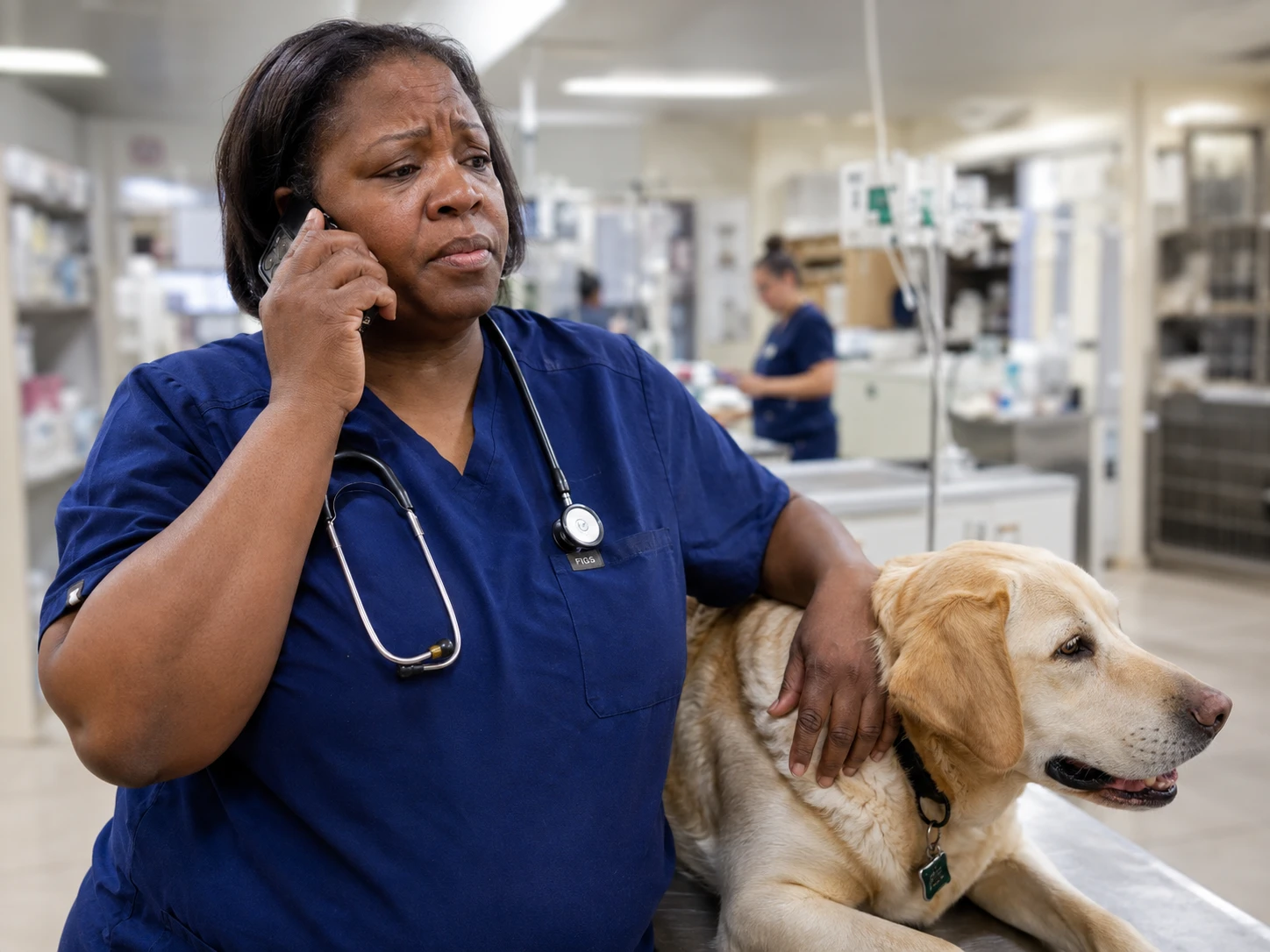
The emotional register is its own challenge. Veterinary phone calls carry a weight that calls to a plumber or a hair salon do not. A frightened owner whose pet is seizing, or a grieving client calling about ashes after a loss, needs a response with the right tone or a fast, graceful handoff to a human. This is the area where current voice AI is weakest, and any honest evaluation has to test it directly rather than take the vendor's word.
Emergency triage raises the stakes far above a normal answering service
Most businesses can treat every call the same way: capture a name, a number, and a reason, then route it. A veterinary clinic cannot. The same inbound line carries booking requests and life-threatening emergencies, and the cost of misclassifying the second kind is measured in animal lives and liability, not just lost revenue. A serious AI receptionist has to run some form of triage logic: listen for urgency signals (not breathing, collapse, seizure, suspected toxin, severe bleeding, hit by car), recognize them even when the caller never uses a medical word, and move those calls to a human or an emergency protocol immediately. This is precisely what separates a veterinary-built tool from a generic one, and it is the first thing to pressure-test. Vendors such as DialIQ and Puppilot market a dedicated triage engine as a core differentiator, which tells you how central, and how unsolved-by-default, this problem is.
Real integration with the PIMS is where most of the value (and most of the difficulty) lives
Booking an appointment sounds simple until you remember what it actually requires: reading your live schedule, understanding appointment types and durations, knowing which doctor sees which cases, respecting blocks and buffers, and writing the booking back into the system so your front desk sees it without re-keying anything. A tool that "books appointments" by emailing your staff a message to enter manually has not removed the work; it has moved it. Genuine two-way integration with practice management systems like ezyVet, Cornerstone, Avimark, Pulse, Shepherd,Digitail, or Vetspire is technically hard, varies enormously from vendor to vendor, and is the feature most likely to be quietly oversold. Some vendors integrate deeply with a handful of systems and bridge the rest through Zapier or a calendar layer, which works for some workflows and falls short for others. If your practice is weighing a cloud-based PIMS at the same time, the order of those two decisions matters, because the receptionist's integration options depend on what it is plugging into.
The bar for sounding human is unusually high
Pet owners are calling someone they trust with a member of their family. They notice when the voice on the line is stilted, when it talks over them, when there is an awkward pause after every sentence, or when it cannot handle a simple interruption like "wait, actually, can we make that Thursday instead." Voice AI in 2026 is dramatically better than it was even two years ago, but it is not flawless, and naturalness varies widely between vendors and even between calls. The technology stumbles on heavy accents, on background noise (a barking lobby, a crying child, a speakerphone in a car), on names of medications and breeds, and on the rapid topic-switching that real humans do without thinking. None of this makes the category unusable. It does mean the gap between a polished sales demo and a Tuesday-afternoon reality is wider here than in most software, and the evaluation has to account for it.
The strategic value of an AI receptionist for veterinary clinics
If the challenges are real, so is the upside, and it shows up in three places: operations, finances, and continuity of care.
Operational relief for a stretched front desk
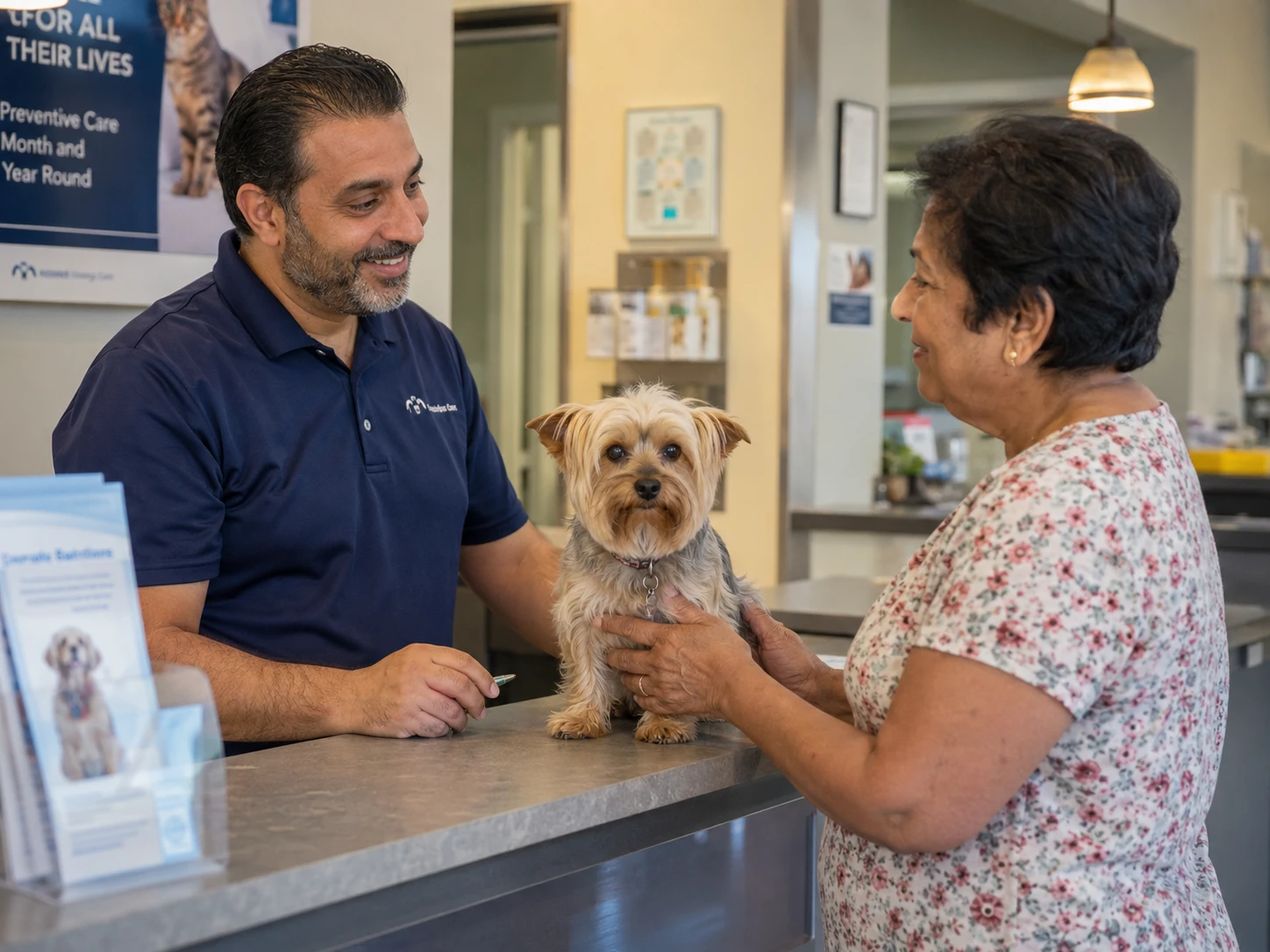
The most immediate value is not replacing the front desk; it is backing it up. Veterinary medicine runs with chronically thin reception staffing, high turnover, and a phone that rings hardest at exactly the moments the desk is busiest. Receptionists routinely name phone management as one of the most stressful parts of the job, and the cycle is self-reinforcing: overwhelmed staff miss more calls, missed calls create more upset clients to manage, and the pressure drives more people to quit. An AI layer that absorbs overflow during peak hours, covers lunch breaks, and handles the simple, repetitive calls (hours, directions, "is my pet's food in," routine rebooking) gives the human team room to do the parts of the job that genuinely need a person. The goal is not a building with no receptionist. It is a receptionist who is no longer drowning.
The financial case is mostly about recovered calls
The financial argument for this category is unusually clean, which is also why it is easy to oversimplify in marketing. A new client who reaches a person and books is worth far more than a single visit; depending on species, region, and practice type, the lifetime value of a new client commonly runs from several hundred dollars into the low thousands. Against that, a subscription in the low hundreds of dollars a month looks trivial if it recovers even one or two new-client calls that would otherwise have gone to voicemail. That is the real ROI engine: not cost savings on staff, but revenue that was already walking out the door. The honest caveat is that the math only works if the recovered calls are real new clients who would otherwise have been lost, and if the tool actually closes them rather than frustrating them into hanging up. A tool that books a routine recheck a current client would have called back to schedule anyway has not created value; it has just shifted a task. Modeling this properly means looking at your own missed-call data, not a vendor's blended averages, and our five-year total cost of ownership calculator is a useful way to put the subscription in context against the rest of your stack.
Continuity of care and compliance
There is a clinical dimension that is easy to overlook. After-hours coverage means a genuine emergency at 2 a.m. reaches a triage path and a warm handoff to an emergency provider instead of a voicemail box. Proactive and inbound handling of refill requests, vaccine reminders, and recall calls supports compliance with preventive care, which is good for patients and for revenue at the same time. Some tools extend into outbound calling for overdue vaccinations or post-surgical follow-ups, which overlaps with the work that wellness plan and reminder software already does, so it is worth checking what you are already paying for before buying it again inside a phone product.
The three categories of AI receptionist for veterinary clinics
Vendors in this space fall into three categories, and confusing them is the single most common reason practices end up disappointed. They solve different problems, carry different risks, and sit at very different price points. Sorting any vendor into the right bucket before the demo will save you hours.
Category one: full voice AI that handles the whole conversation
This is what most people now mean by an AI receptionist. The software answers the call, speaks with the caller in natural language, and tries to resolve the call end to end: booking, rescheduling, answering FAQs, taking refill requests, capturing new-client information, and triaging or escalating emergencies. No human is on the line unless the system hands off.
Within this category, the most important distinction is veterinary-built versus generic small-business voice AI with a veterinary skin. Tools positioned as purpose-built for veterinary include DialIQ, Puppilot, Vetty AI, and Dodo, each of which emphasizes veterinary triage logic, drug and breed vocabulary, and direct PIMS integration. FetchDesk AI sits adjacent, built for the broader pet-care world (boarding, grooming, and daycare as well as clinics) on a third-party voice engine. On the generalist side, platforms such as Phonely, Dialzara, Upfirst, and Emitrr are horizontal small-business voice AI products that serve dozens of industries and offer a veterinary configuration; some are quite capable, but the veterinary-specific behavior depends on how well you train them rather than on logic built into the product. There are also regionally focused entrants such as VoiceFleet, which markets a veterinary-specific workflow primarily to UK and Irish practices. The point is not that vet-built is automatically better and generic automatically worse. It is that the two start from different defaults, and a generic tool puts more of the burden of veterinary safety on your configuration and your testing.
Category two: AI-augmented human answering
The second category keeps a human in the loop and uses AI to make that human faster and cheaper. In practice this looks like a hybrid answering service where AI handles routine scheduling and FAQs while live agents take the emotional, complex, or high-stakes calls, with the balance adjustable as your volume changes. Smith.ai is a well-known example of the hybrid model, splitting routine work to AI and reserving human agents for triage and sensitive conversations like end-of-life calls. Traditional veterinary answering services are also layering AI on top of their human operations to cut cost and improve consistency. A related sub-trend worth watching is AI scribe vendors extending into reception; VetRec, primarily an AI scribe, has announced an AI receptionist in early access, which signals that the documentation and front-desk categories are starting to converge. The trade-off here is straightforward: more human judgment and better handling of hard calls, usually at a higher per-call cost than pure AI.
Category three: missed-call recovery and text-back automation
The third category is the lightest and the most often misunderstood. These tools do not answer the phone at all. When a call goes unanswered, the system automatically sends the caller a text message ("Sorry we missed you, how can we help?") and moves the conversation to SMS, where staff or a bot can pick it up. This is a real and useful capability, and for many practices it is the cheapest, lowest-risk first step, because nothing can go wrong on a live call that never happened. Several established client engagement platforms, including PetDesk and Weave, offer missed-call text-back as part of a broader communication suite, and these tools sit naturally alongside the rest of the client communication category. What they do not do is hold a conversation, triage an emergency in real time, or rescue a caller who needs an answer right now and will not wait for a text. A practice that buys text-back expecting a full AI receptionist will feel shortchanged; a practice that wants a safe, incremental improvement may find it is exactly enough.
The metrics and features that matter
Once you know which category you are shopping in, the comparison comes down to a handful of differentiators. Feature checklists all look similar on a website, so the work is in testing each of these directly.
Voice quality and conversational naturalness
This is the feature that clients actually experience, and it is the hardest to judge from a brochure. Call the demo line yourself, more than once, and try to break it: interrupt mid-sentence, change your mind, mumble, use a breed or drug name, add background noise. Listen for latency (the dead air before it responds), for whether it talks over you, and for how it recovers when the conversation goes off-script. A natural-sounding agent on a clean scripted call can fall apart on a messy real one, and your clients will only ever give you the messy ones.
Real PIMS integration and appointment writeback
Establish exactly what "integration" means for your specific practice management system, because the answer ranges from deep two-way sync to a one-way calendar push to an email a human re-keys. Ask which systems are natively supported, which are bridged through Zapier or a middleware layer, and what specifically writes back: the appointment, the client record, the call summary, the triage flag. Then ask the vendor to demonstrate it live on your PIMS, or on a sandbox of it, rather than on their reference system.
Emergency triage and escalation logic
Define what counts as an emergency for your practice and ask the vendor to show how the tool detects and routes it. Probe the edges: how it handles a vague but worrying description, how it reaches your on-call vet, what happens if the first escalation path does not pick up, and whether it can recognize end-of-life and grief calls and hand them to a human with the right tone. A tool that cannot articulate a clear escalation chain is not ready for veterinary phones.
Refill and routine request handling
Refill requests are high-volume and deceptively tricky, because they touch approval workflows, controlled-substance rules, and your pharmacy. Find out whether the tool simply captures the request for staff to process or actually checks anything, and how it handles the cases it should not approve on its own.
Hours of coverage and overflow behavior
Decide whether you want the AI on all the time, only after hours, or only as overflow when the desk does not pick up within a set number of rings, and confirm the vendor supports the mode you want. Overflow-only deployments are a common, lower-risk way to start, because the human desk still gets first crack at every call.
Language support
If your client base includes Spanish speakers or other languages, test those conversations specifically. Several generalist platforms advertise support for many languages with automatic detection, but quality varies by language, and the veterinary vocabulary in a second language is rarely as strong as the marketing implies.
Training, customization, transparency, and analytics

Finally, look at how much control you have and how much you can see. Can you shape the greeting, the FAQs, the escalation rules, and the tone? More important, does every call produce a transcript, a recording, and a summary you can review, and does the dashboard show you call volume, resolution rate, and what the AI could not handle? Transparency is not a nice-to-have here. It is how you catch the bad calls before your clients tell you about them, and how you decide whether the tool is earning its keep.
What an AI receptionist for veterinary clinics typically costs
Pricing in this category is still settling, and you will see three broad models, sometimes blended.
The most common for veterinary-specific voice AI is a flat monthly subscription, generally landing somewhere from around 100 dollars a month at the entry level to several hundred dollars a month for full-service plans, scaling with call volume, feature depth, and number of locations. Some vendors advertise basic or after-hours-only tiers near 50 to 110 dollars a month, with full conversational service priced higher. These figures move quickly and are often customized after a discovery call, so treat any single advertised number as a starting point rather than a quote. Be skeptical of directory listings that show extreme placeholder figures; published numbers in a brand-new category are frequently wrong or out of date.
The second model is usage-based, priced per call or per minute. This is most common with answering-service-style and hybrid-human vendors, where per-call costs can run anywhere from a couple of dollars for AI handling to roughly ten dollars a call for human-assisted answering. Usage pricing rewards low volume and punishes high volume, so model it against your actual call counts, not a flat assumption.
The third consideration is setup, onboarding, and integration fees, which may be bundled or billed separately and typically cover configuring your knowledge base, connecting your PIMS, and testing.
To put any of this in perspective, the relevant comparison is not zero; it is what coverage costs today. A full-time veterinary receptionist runs roughly 35,000 to 45,000 dollars a year in wages alone and covers about 40 of the 168 hours in a week. Traditional human answering services commonly charge in the range of 500 to 1,200 dollars a month. Against those numbers, a few hundred dollars a month for round-the-clock coverage is the argument every vendor will make, and it is a fair one as far as it goes. The ROI claim you will hear most often, that a single recovered call pays for a month of service, can be true, but only when the recovered call is a genuine new client who would otherwise have been lost and whom the tool actually converts. Run that math on your own data. Pull your missed-call report, estimate how many were new-client opportunities, apply a realistic conversion rate, and compare the result to the annual subscription. A category this new deserves a hard look at total cost over several years rather than a snap judgment on the monthly price, and the same TCO discipline you would apply to a PIMS applies here.
Implementation considerations
Buying the tool is the easy part. The practices that get value from an AI receptionist treat the rollout as a project, not a switch to flip.
Map your call types before you configure anything
You cannot train a system to handle calls you have not categorized. Before onboarding, spend a week noting what your phone actually does: the mix of bookings, refills, FAQs, new clients, and emergencies, the peak hours, and the questions that come up again and again. This is the same discipline as documenting your workflows before replacing software, and it pays off twice, once in a better configuration and once in a realistic sense of what the tool needs to handle.
Build the knowledge base and escalation rules deliberately
The quality of the AI is mostly the quality of what you feed it: your services, hours, policies, FAQs, appointment types, doctor preferences, and above all your emergency and escalation rules. Decide in advance exactly which situations transfer to a human, where they transfer, and what the fallback is when no one answers. Vague escalation logic is where these deployments go wrong.
Start narrow, then expand
The lowest-risk rollouts begin with the AI in a limited role, after-hours only or overflow only, so the human desk keeps first contact and the AI proves itself on a smaller surface before you trust it with everything. Run test calls, including deliberately difficult ones, and listen to recordings during the first weeks the way you would coach a new hire.
Bring the team along
Front desk staff can experience an AI receptionist as a threat or a relief depending entirely on how it is introduced. Framed as a tool that absorbs the overflow and the 2 a.m. calls so the team can focus on the clients in front of them, it lands far better than a top-down announcement that sounds like a prelude to cutting hours. The staff also become your best quality-control sensors, because they hear the client complaints first.
Compliance: recording consent and client data
The brief version many vendors give you here is incomplete, so it is worth being precise. Two compliance issues matter, and they are separate.
The first is call recording consent. These systems record calls, and US recording law is set at the state level. Most states (38 plus the District of Columbia) follow one-party consent, but roughly eleven, including California, Florida, Illinois, Maryland, Massachusetts, Montana, Nevada, New Hampshire, Pennsylvania, Washington, and Delaware, require all parties to consent, with Connecticut best treated cautiously. If your callers can be in an all-party state, the practical and widely recommended approach is to announce recording at the start of every call. Confirm the vendor plays a clear recording notice and that it handles cross-state calls sensibly. None of this is legal advice, and a category this new is worth a quick check with your own counsel.
The second issue is data, and here a common misconception needs correcting. Veterinary medical records are generally not covered by HIPAA, which protects human health information, so you will sometimes hear that "there are no privacy rules for vet data." That is the wrong lesson. Your AI receptionist will handle client names, contact details, payment information, and call recordings, all of which carry real obligations under general data-security and state consumer-privacy laws, and all of which represent breach risk. Ask where the data is stored, how it is encrypted, how long recordings are retained, who can access them, and whether the vendor will sign a data processing agreement. Treat the vendor as a custodian of your clients' personal information, because that is what it is, HIPAA or not.
Ten questions to ask vendors during a demo
Bring this list to every demo and make the vendor answer on the call, not in a follow-up email.
-
Which veterinary practice management systems do you integrate with natively, and which are bridged through Zapier or a calendar layer? Show the writeback live on my PIMS.
-
Walk me through exactly how the system detects and routes a genuine emergency, including a vague description that never uses a medical term.
-
What happens when an escalation path fails, for example when the on-call vet does not pick up?
-
Can I hear three real recordings, including one difficult or emotional call, not just your scripted demo line?
-
Were you built for veterinary specifically, or is this a veterinary configuration of a general small-business product?
-
How do you handle refill requests, and what do you refuse to process without a human?
-
What does every call produce for my team to review, and what does your analytics dashboard actually show?
-
How is the system priced as my call volume grows, and what are the setup and integration fees?
-
How do you handle recording consent, including callers in all-party-consent states, and will you sign a data processing agreement?
-
Can I run a limited pilot, after-hours or overflow only, before committing, and what does it take to cancel or export my data if it does not work out?
A vendor who answers these crisply and lets you test the hard cases is worth shortlisting. A vendor who deflects to a polished reel and a follow-up call is telling you something.
Common mistakes practices make
Five patterns account for most of the disappointment in this category, and all of them are avoidable.The first is buying the demo instead of the product. Sales demos run on clean, scripted, single-topic calls in a quiet room. Your clients call from cars with the windows down, interrupt themselves, and describe symptoms in plain English while a dog barks in the background. The fix is to test the messy version yourself before you sign.
The second is mistaking a generic tool for a veterinary one. A horizontal small-business voice AI can be made to work, but its defaults were not designed around triage, drug names, or the emotional weight of veterinary calls, which means more of the safety burden falls on your configuration. Know which kind you are buying and price the extra setup accordingly.
The third is over-automating on day one. Practices that switch the AI to full-time, all-calls mode immediately tend to generate the worst client experiences and the loudest internal backlash. Starting with after-hours or overflow lets the tool earn trust on a smaller surface.
The fourth is ignoring the integration reality. "Books appointments" can mean a clean two-way sync or an email your staff re-key at 9 a.m. The difference is the entire value proposition, and it is the question most often left vague until after the contract.
The fifth is skipping references. This is a young category with young companies, and a thirty-minute conversation with a practice of your size and PIMS, asking what broke and how support responded, will tell you more than any feature list. Our guide on how to check references applies directly, and it matters more here than usual precisely because the products are so new.
A simple framework for narrowing the shortlist
When the options blur together, three questions cut through most of the noise.
First, which category do you actually need? If you want a safe, cheap improvement and your real problem is after-hours voicemail, missed-call text-back may be enough, and you can skip the harder evaluation entirely. If you need calls genuinely answered and resolved, you are in full voice AI or hybrid territory, and the bar rises accordingly. Naming the category first eliminates half the market in one step.
Second, does it integrate, really, with your PIMS? Decide your non-negotiables for writeback and ask every remaining vendor to prove them live. Anything that cannot demonstrate the integration you need on your system comes off the list, regardless of how good it sounds.
Third, how does it handle your hardest calls? Of the vendors that survive the first two questions, the one that triages a vague emergency cleanly, hands off a grief call gracefully, and gives you full transcripts to verify all of it is the one that has earned a pilot. Everything else is a feature comparison, and features are the easy part.
The category is moving fast enough that the specific products on your shortlist may look different in a year, but the evaluation logic will not. The practices that do well with an AI receptionist are not the ones that picked the flashiest demo. They are the ones that named the problem precisely, tested the uncomfortable cases, started small, and watched the recordings. The phone has always been the front door of the practice. The opportunity in 2026 is that, for the first time, software can help keep it open without burning out the people behind the desk, provided you choose with the same care you would give any tool that speaks to your clients in your name.
If you are weighing an AI receptionist as part of a larger technology decision, or trying to sort the veterinary-built tools from the repurposed generalists without sitting through a dozen sales calls, that is exactly the kind of work the PIMS Selection Navigator is built to do, vendor-neutral and with nobody earning a commission on where you land.
VetSoftwareHub has no financial relationship with any vendor mentioned in this article and receives no compensation for mentions or coverage. The directory is independent and vendor-neutral. Have a correction or want to add your product? Contact us at vetsoftwarehub.com/contact.
About the Author

Adam Wysocki
Contributor
Adam Wysocki, founder of VetSoftwareHub, has over 35 years in software and almost 10 years focused on veterinary SaaS. He creates practical frameworks that help practices evaluate vendors and avoid costly mistakes.
Connect with Adam on LinkedIn


