How to Document Your Current Workflows Before Replacing Software
Before replacing veterinary software, document how work actually happens in your hospital. Learn how to map workflows and evaluate vendors more effectively.

One of the biggest mistakes veterinary hospitals make when shopping for new software is jumping straight into demos before clearly documenting how work actually happens today.
That usually leads to a familiar outcome.
The team sees polished presentations, hears the right buzzwords, compares feature lists, and starts to feel like one system is the obvious winner. Then implementation starts, and reality shows up. The software may be capable, but it does not match the way the hospital really operates. Important steps were overlooked. Handoffs get messy. Staff get frustrated. Workarounds start appearing almost immediately.
That is usually not just a software problem.
It is often a workflow clarity problem.
Before you evaluate a new PIMS, communications platform, phone system, payments tool, or any other system that touches daily operations, take the time to document your current workflows. You do not need a consultant. You do not need fancy diagrams. You do not need to turn it into a massive project.
You just need a clear picture of how work moves through your hospital today, where the friction lives, what absolutely cannot break, and what needs to improve.
Why workflow documentation matters before software selection
Most vendors are very good at showing you how their software is supposed to work.
That is not the same as how your hospital works.
Your team has real habits, real bottlenecks, real shortcuts, and real workarounds. Some exist because your current systems are weak. Others exist because your team has adapted to the realities of a busy hospital. Either way, those details matter.
If you skip workflow documentation, a few things usually happen:
-
You overvalue features and undervalue fit
-
You underestimate implementation complexity
-
You miss edge cases until after the contract is signed
-
You rely too heavily on leadership assumptions instead of frontline reality
-
You end up trying to force your team into a system that was never evaluated against real day-to-day operations
Documenting workflows gives you something more useful than opinions. It gives you evidence. It gives your team a shared understanding of what is working, what is not, and what a better future state should look like.
It also makes vendor conversations dramatically better. Instead of asking broad questions like, “Can your software handle our workflow?” you can show them exactly how your hospital operates and ask them to respond to something real.
Start with the problem you are trying to solve
Before mapping anything, get clear on why you are considering a change.
This sounds simple, but many software searches begin with frustration, not clarity. A manager is tired of support issues. An owner heard another platform is better. The front desk feels overwhelmed. Doctors complain about too many clicks. Everyone knows something is off, but no one has really defined the problem.
Start here:
What are we actually trying to improve?
Your answers might include:
-
Faster check-in and check-out
-
Better charge capture
-
Fewer dropped handoffs
-
Less duplicate data entry
-
Better client communication
-
Easier scheduling
-
Cleaner inventory workflows
-
More useful reporting
-
Better support for multiple locations
-
Stronger integrations with labs, payments, or third-party tools
-
Less training burden for new staff
These goals matter because they tell you which workflows deserve the most attention first.
If your biggest pain point is refill requests, focus there. If the real issue is front desk chaos, start there. If reporting is weak, document the workflows and processes that affect reporting quality. You do not need to map every single task in the hospital on day one.
Do not try to document everything

This is where practices get stuck.
They think workflow documentation has to become a massive project, so they either overcomplicate it or avoid it completely.
Do not do that.
Start with the workflows that most affect revenue, staff efficiency, client experience, or patient care. In many veterinary hospitals, that usually includes:
-
Appointment scheduling
-
Client registration and patient check-in
-
Exam room documentation
-
Estimate creation and approval
-
Charge capture
-
Checkout and payment
-
Prescription refill requests
-
Lab and diagnostic ordering
-
Client communications and reminders
-
Medical record follow-up
-
Reporting and end-of-day reconciliation
If you are evaluating a new PIMS, these are the high-value places to begin.
If you are looking at a narrower tool, such as a phone system, AI scribe, or online scheduling platform, focus on the workflows that tool will directly affect, along with the systems around it.
Talk to the people actually doing the work
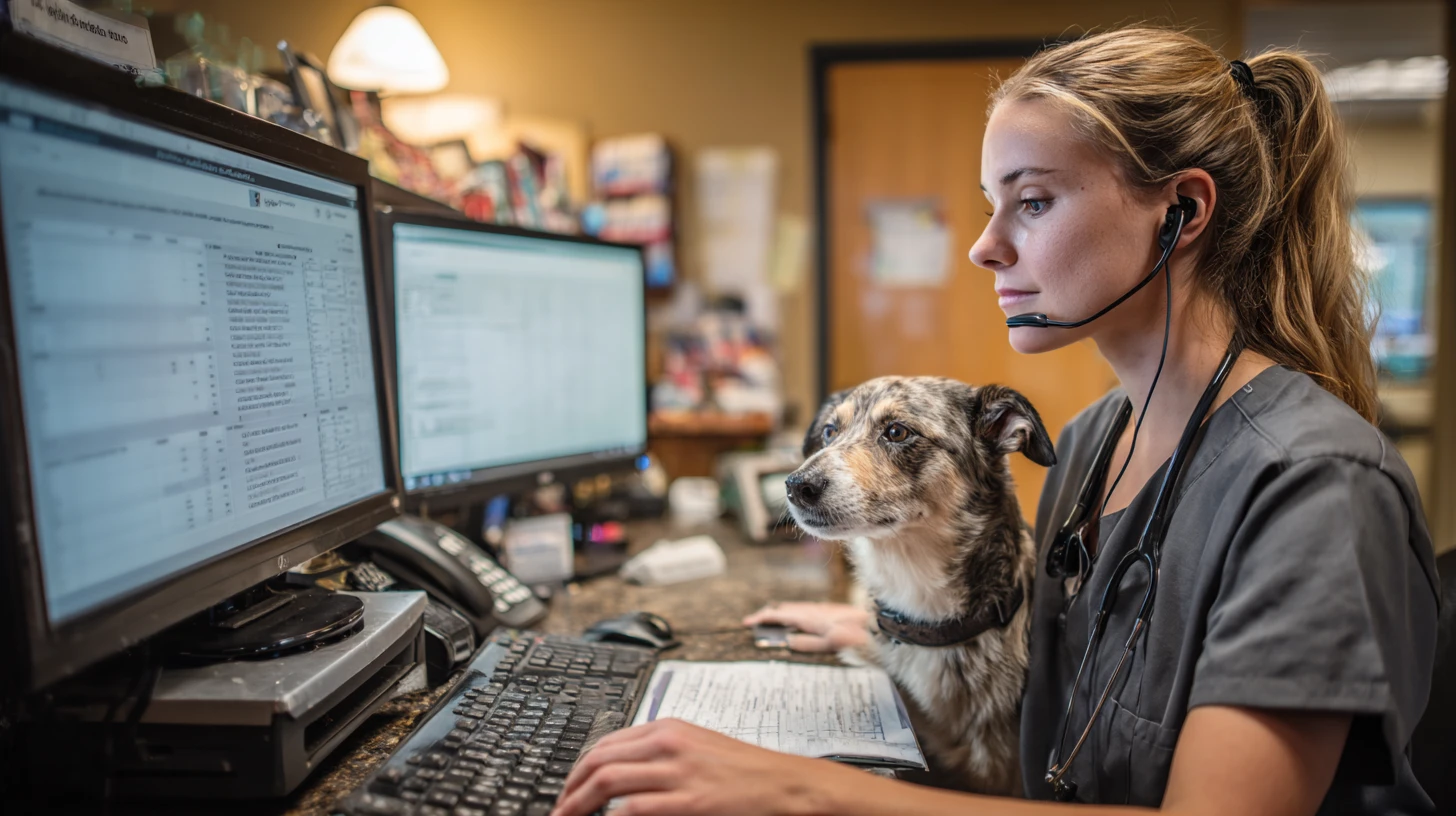
Workflow mapping should not happen only in the manager’s office or the owner’s head.
The people closest to the work usually have the clearest view of where things break down. That means you need input from CSRs, technicians, assistants, managers, doctors, and anyone else involved in the workflow.
This matters for two reasons.
First, leadership often understands the intended process, but not always the real one.
Second, involving staff early improves the quality of the evaluation later. When people feel heard at the beginning, they are much more likely to support the process and point out issues before a bad decision gets made.
You do not need a formal consulting process to do this well. A few focused conversations can go a long way. For each workflow, ask questions like:
-
What are the actual steps you take?
-
Where does the process slow down?
-
Where do you have to repeat work?
-
What do you have to track outside the system?
-
What tends to go wrong?
-
What do you wish the software handled better?
-
What part of this process would create chaos if it changed?
That last question is especially important. Some workflows are annoying but manageable. Others are fragile. If a new system disrupts them without a better replacement, the damage shows up quickly.
Document what really happens, not what is supposed to happen
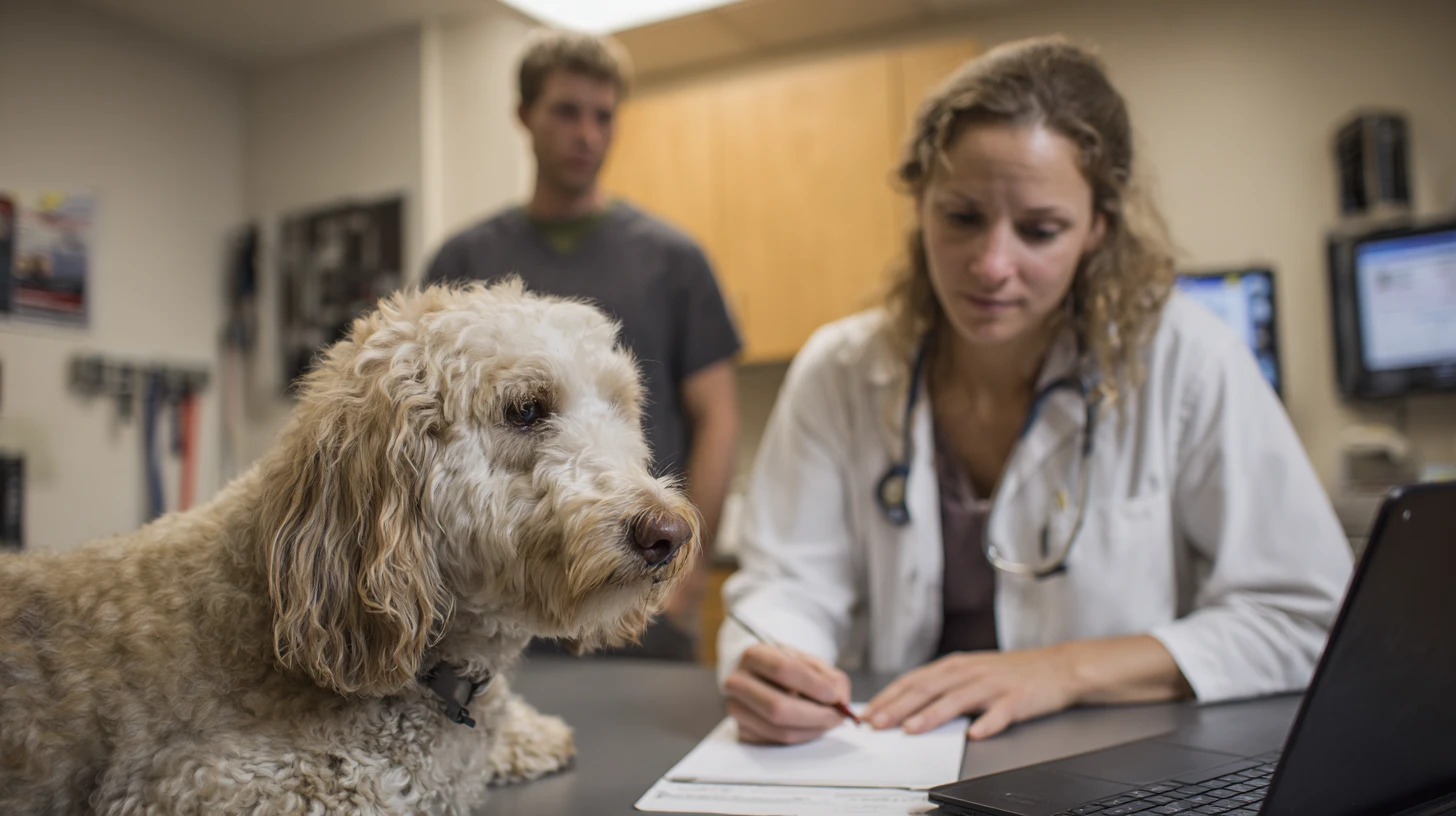
When practices document workflows, they often describe the ideal version.
That is not helpful.
You want the real version, including the awkward parts.
If the front desk writes things down on paper and enters them later, capture that.
If a technician walks to another workstation to finish a task because of permission limitations, capture that.
If estimates are handled differently for surgery, urgent care, and routine appointments, capture that.
If one doctor does something one way and everyone else does it differently, capture that too.
A useful workflow map should include:
-
What triggers the process
-
Who is involved
-
Which systems or tools are used
-
The actual steps
-
Where work changes hands
-
What exceptions or variations exist
-
Where delays, confusion, or errors happen
-
What workarounds are currently in use
-
What the team would want to improve
This does not need to be pretty. A shared document, spreadsheet, whiteboard photo, or basic table is enough. The goal is clarity, not perfection.
Use a simple structure for each workflow
For each workflow, document it the same way. That keeps things organized and makes comparison easier later.
Here is a simple format that works well:
Workflow name: Prescription refill requests
Goal: Process refill requests quickly and accurately, without creating unnecessary callbacks, delays, or missed charges.
Who is involved: CSR, technician, doctor, pharmacy team, client
Trigger: Client calls, texts, emails, or submits an online request
Current steps:
-
Request is received
-
CSR looks up the patient record
-
Medication history is reviewed
-
Request is routed to a technician or doctor
-
Approval is reviewed
-
Client is contacted
-
Medication is filled or declined
-
Charge is entered
-
Pickup or shipping is arranged
Systems used: PIMS, phone system, text platform, email, online pharmacy
Pain points:
-
Requests come in through multiple channels
-
Staff have to check multiple systems
-
Approval status is not always visible
-
Charges are sometimes missed
-
Clients call back because communication is delayed
Workarounds:
-
Sticky notes
-
Personal tracking sheets
-
Manual account flagging
-
Verbal handoffs between team members
Must-have requirements for a new system or process:
-
Centralized request tracking
-
Clear approval visibility
-
Communication history in one place
-
Reliable charge capture
-
Easy handoff between team members
That level of documentation is often enough to completely change the quality of your software evaluation.
Pay close attention to handoffs

In most hospitals, the real problems do not live only inside a task. They live in the handoffs.
A CSR starts something, a technician picks it up, a doctor approves it, and then the front desk has to close the loop. Every handoff creates a chance for delay, confusion, or dropped information.
That is why workflow documentation should pay special attention to where work changes hands.
Ask:
-
Where does this process move from one person to another?
-
What information has to travel with it?
-
What gets delayed or lost?
-
What depends too much on one specific person remembering what to do?
These are exactly the kinds of details vendors often miss in demos, but they are the details that determine whether a workflow holds up in real life.
Do not ignore the exceptions
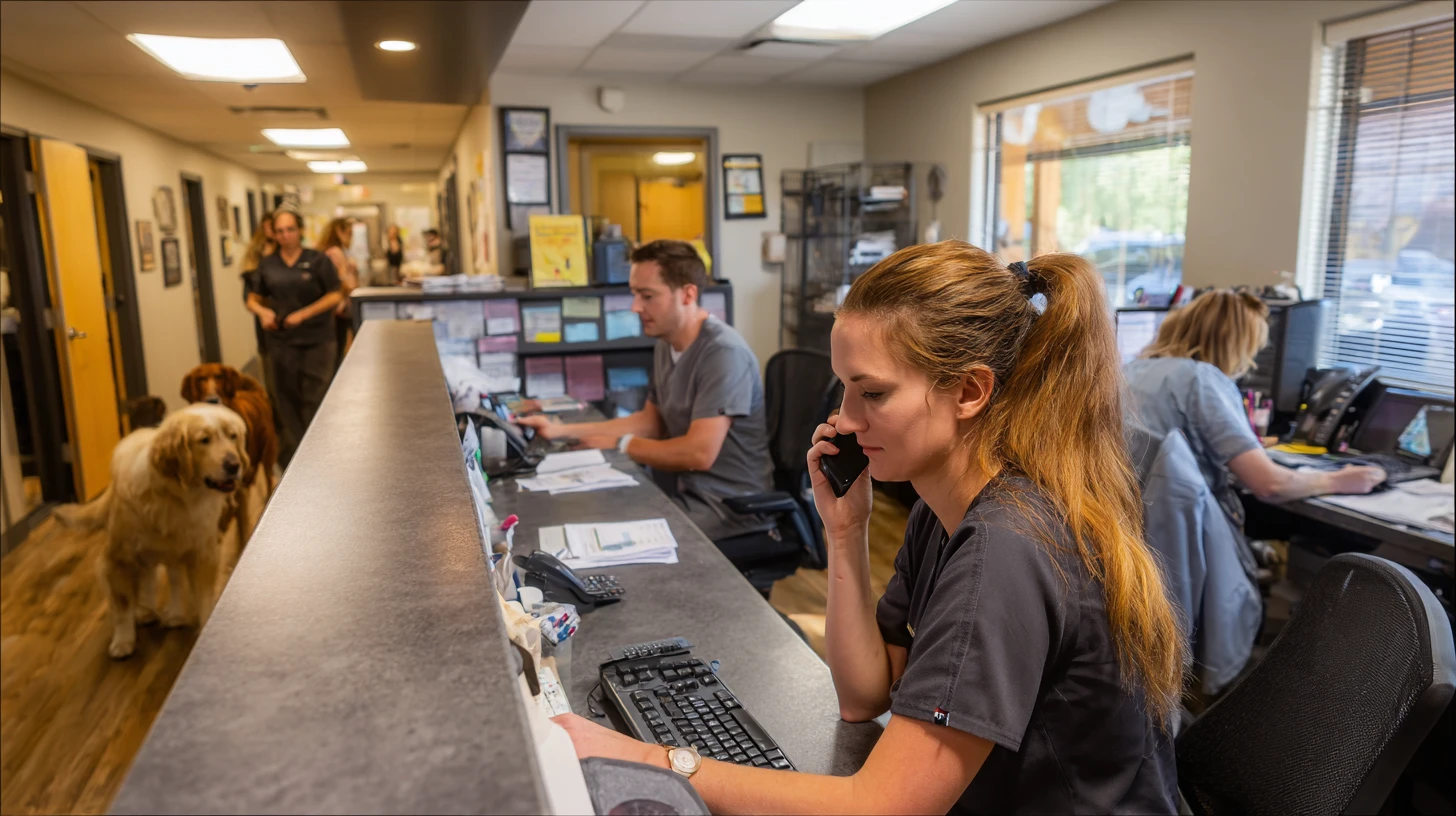
Vendors usually demo the happy path.
Real hospitals do not run on the happy path.
You are dealing with no-shows, urgent add-ons, split payments, controlled substances, multiple pets on one visit, partial approvals, frustrated clients, incomplete records, and all kinds of real-world exceptions.
Those edge cases matter.
They may not happen every hour, but they often decide whether a system feels flexible or painful once it is live. If your evaluation only focuses on the cleanest version of a workflow, you are likely to miss what matters most.
Separate software problems from process problems
This is one of the biggest benefits of documenting workflows before buying anything.
It helps you see what is truly a software problem and what is really a process problem.
Sometimes the software is absolutely the issue. Sometimes the bigger problem is inconsistent training, unclear ownership, too many versions of the same workflow, or old workarounds that no one has cleaned up.
That distinction matters.
If your current process is messy, new software may simply move the mess into a nicer-looking interface. Better software can help, but it will not automatically fix unclear roles or inconsistent habits.
As you map workflows, try to label issues in three categories:
-
Clearly caused by software limitations
-
Caused by a mix of software and process
-
Mostly caused by internal inconsistency, training gaps, or unclear ownership
That makes the evaluation more honest and helps your team set better expectations for implementation.
Turn your workflow maps into buying tools

Once your workflows are documented, you can use them to dramatically improve the rest of the selection process.
Instead of asking vendors broad, generic questions, you can ask them to walk through your real workflows.
For example, instead of asking, “Can your software handle prescription workflows?” ask this:
“Here is how refill requests enter our hospital, move between team members, get approved, and get closed out today. Show us how your system would support that workflow, including communication history, status visibility, handoffs, and charge capture.”
That is a much better conversation.
Your workflow documentation can now be used to:
-
Build your requirements list
-
Create vendor questionnaires
-
Structure your demo scripts
-
Spot implementation risks early
-
Compare products using real use cases instead of vague impressions
This is where the process gets stronger. You stop evaluating software in the abstract and start evaluating it against the reality of your hospital.
Focus on the workflows with the biggest downstream impact
Not every broken workflow deserves the same weight.
A clunky process that happens once a month matters a lot less than a mediocre process that affects every appointment, every callback, every checkout, or every refill request.
When deciding where to focus, prioritize the workflows that create:
-
Frequent staff frustration
-
Client dissatisfaction
-
Revenue leakage
-
Medical record inconsistency
-
Training burden
-
Delays and repeated follow-up
-
Heavy dependence on one experienced team member
These are often the workflows that most justify a software change, and the ones most likely to shape your return on investment.
Do not wait for perfect documentation
A lot of practices avoid this work because they think they need a perfect process map.
You do not.
A rough but honest map of your five most important workflows is far more valuable than a beautiful document that never gets finished.
The goal is not to create a binder that sits on a shelf. The goal is to make better decisions.
You are trying to answer practical questions like:
-
Where are we losing time?
-
Where are we relying on memory instead of systems?
-
Where are handoffs falling apart?
-
What absolutely has to work in the next system?
-
What will create resistance if it changes too much?
-
What should we fix internally before blaming a vendor?
That level of clarity will improve your demos, your vendor conversations, your internal alignment, and your implementation planning.
Final thought

Most veterinary hospitals spend a lot of time researching vendors before replacing software.
Far fewer spend time researching themselves.
That is a mistake.
Your current workflows are the baseline against which every promise in a demo should be measured. If you do not document them first, you are asking your team to choose a future system without fully understanding the present one.
So before you start booking demos, take a step back.
Map the real work. Talk to the people doing it. Capture the friction, the handoffs, the exceptions, and the workarounds. Then take that information into your software evaluation process.
You will ask better questions.
You will run better demos.
You will make a better decision.
And your team will have a much better chance of succeeding with whatever comes next.
About the Author

Adam Wysocki
Contributor
Adam Wysocki, founder of VetSoftwareHub, has over 35 years in software and almost 10 years focused on veterinary SaaS. He creates practical frameworks that help practices evaluate vendors and avoid costly mistakes.
Connect with Adam on LinkedIn


