VMX 2026 Expo Floor Guide for Veterinary Clinics Evaluating Software
Your clinic-friendly plan to get value from VMX 2026: how to prep, what to ask, how to compare vendors, and how to leave with a shortlist, not just a tote bag.

VMX 2026 is almost here, running January 17-21 in Orlando, with the Expo Hall open Saturday through Tuesday.
If you've got even a hint of "we should fix our marketing," "we need to add software," or "we might switch vendors this year" on your mind, the VMX 2026 expo floor can be your fastest research shortcut. Or your quickest way to get completely overwhelmed.
This guide is built for busy veterinary teams who want clarity, not hype.
If you want to preview what’s out there before you walk into the VMX 2026 Expo Hall, start by browsing VetSoftwareHub’s software categories and bookmarking the ones that match your theme.
The mindset shift: you're not shopping, you're diagnosing

Here's the reframe that makes VMX 2026 actually worthwhile: treat the expo hall like a live lab.
Your goal isn't to "pick a tool" on the spot. Your goal is to leave with:
-
A more precise definition of your problem, whether that's marketing, workflow, client experience, reporting, staffing, or growth
-
A shortlist of 3-5 options worth deeper demos after the conference
-
A list of "hard questions" you'll require every vendor to answer before money changes hands
If you do only one thing before VMX 2026, do this: write down your top 2 bottlenecks before you step onto the floor. Everything else becomes easier.
A simple pre-conference plan (45 minutes, total)
Step 1: Pick one theme for the expo hall
Don't try to solve everything at VMX 2026. Choose one primary theme, then add one secondary "nice to have."
Examples:
Primary themes:
-
Client communication and reminders that reduce no-shows
-
Website and SEO performance, conversion, tracking
-
Payments, estimates, memberships, financing
Secondary themes:
-
Analytics and dashboards
-
Digital forms and intake
Step 2: Define "win conditions" (make them measurable)
Pick 3 outcomes you can measure in 90 days after implementing a solution.
Examples:
-
Increase new client requests by X%
-
Reduce inbound phone tag by X%
-
Improve "appointment confirmed" rate by X%
-
Shorten time-to-pay by X days
-
Increase dental or wellness plan acceptance by X%
If you’re not sure which numbers to track, use this simple framework to baseline five metrics before and after any veterinary software rollout.
Step 3: Create your "no thanks" rules
This is how you protect your time at VMX 2026:
-
"No pricing range, no next meeting."
-
"No integration story, no next meeting."
-
"No implementation plan, no next meeting."
These aren't harsh; they're professional boundaries that separate serious vendors from time-wasters.
If you want a simple way to enforce those boundaries with your team, grab the Gatekeeper Worksheet and Vendor Scorecard Template from the VetSoftwareHub downloads library.
How to work the VMX 2026 expo floor in 3 passes
The VMX expo is enormous. So don't try to "see everything." Use passes instead.
Pass 1 (60-90 minutes): Scan and tag

Walk fast. Don't stop for full demos yet. Your goal is to identify:
-
Booths that match your primary theme
-
Booths that don't, even if the swag is amazing
-
3 "surprise" booths you didn't expect to find
Tip: Use the VMX 2026 floor plan and exhibitor list to pre-map a route and avoid backtracking. The NAVC website has interactive floor plans you can download to your phone.
Pass 2 (2-3 hours total): Micro-demos only.
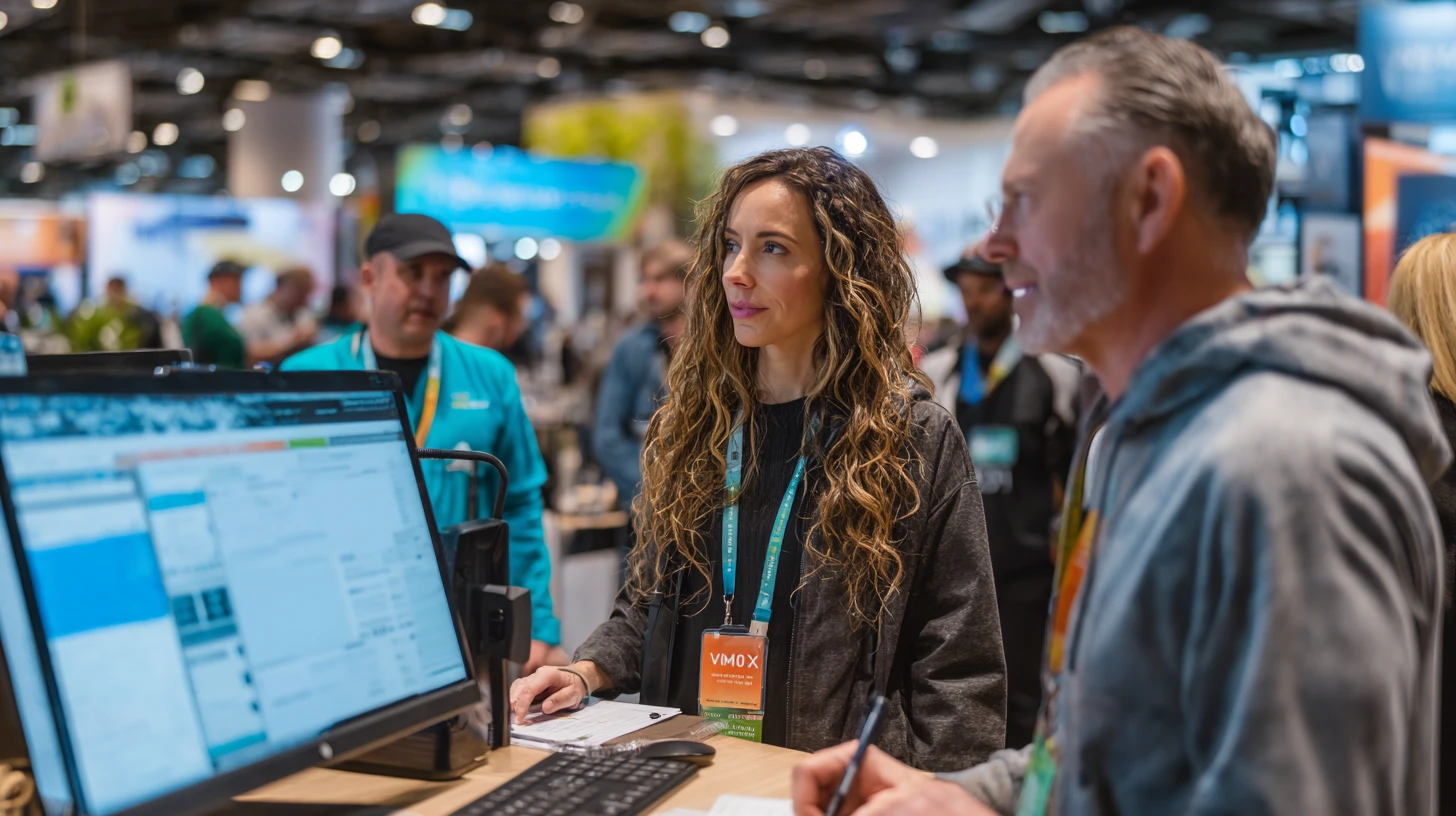
Now, return to your tagged booths and request a 3-minute demo of one workflow.
Try these prompts:
-
"Show me how a client request becomes an appointment."
-
"Show me what the team sees when something fails."
-
"Show me the reporting screen a practice manager uses weekly."
-
"Show me how you handle a client who wants to reschedule."
This is where you'll separate platforms that actually work from platforms that look good in screenshots.
Pass 3 (30 minutes): Shortlist commitment
Before you leave the hall each day of VMX 2026, force yourself to pick:
-
2 vendors you will follow up with
-
2 vendors you will not
-
1 vendor you need to ask one more question
Write it down immediately. Your brain will not remember booth 5127 on Tuesday afternoon.

The VetSoftwareHub VMX 2026 Scorecard (copy and paste)
Use this template in your phone notes app or print it out. Ask these questions at every booth you're serious about.
Problem fit
-
What problem do you solve in one sentence?
-
Who on my team uses it daily?
-
What does success look like at 30, 60, 90 days?
Workflow reality
-
Show me the exact workflow for: ___________________
-
What are the top 3 "gotchas" during onboarding?
-
What does support look like when something breaks?
If support quality is a make-or-break issue for your practice, use this support evaluation guide to pressure-test response times, escalation, and real-world outcomes before you sign anything.
Integrations and data
-
Which systems do you integrate with, and how deeply do you integrate with them?
-
Is there a sandbox or test environment to prove it works?
-
How do exports work, and what happens if we leave?
Security and access
-
SSO, MFA, audit logs, role-based permissions?
-
How do you handle staff turnover and access removal?
Pricing and contract
-
Give me a pricing range (not a full quote)
-
What are typical contract terms?
-
What's included vs. what's an add-on?
Once you get home, use this practical guide to reviewing veterinary software contracts so your great demo does not turn into a painful renewal clause later.
Proof
-
One reference from a similar practice type and size
-
One example of a practice that switched to you recently
The 5 questions that cut through expo-floor marketing
If you ask these at VMX 2026, you'll sound like a pro buyer instantly:
-
"What does your best-fit practice look like?" (If they say "everyone," be cautious)
-
"What breaks most often, and how do you detect it?" (Shows maturity and honesty)
-
"What's the fastest path to value in the first 30 days?" (Reveals onboarding philosophy)
-
"What's the hardest part of onboarding, and how do you reduce it?" (Shows self-awareness)
-
"What would make you a bad fit for us?" (Great vendors answer this well)
Common red flags at VMX 2026 (and what to do instead)

Vague integration answers → Ask for a sandbox setup after the conference with your actual workflow
"We can do anything" demos → Ask them to show one workflow end-to-end, no jumping around
Pricing avoidance → Require a range before accepting a follow-up meeting
Overpromising timelines → Ask who does implementation, and what you do vs. what they do
Zero customer references → Ask why, and consider it a yellow flag minimum
After VMX 2026: turn brochures into decisions

Within 72 hours of leaving Orlando, schedule a 30-minute internal debrief:
-
What problem are we solving first?
-
Which three vendors earned a real demo?
-
What's our budget band, and who approves it?
Then you can schedule deeper demos only with your shortlist, using your scorecard questions as the agenda. No exceptions.
Turn your VMX 2026 notes into a structured comparison
After you've collected your insights from the expo floor, you'll have notes scattered across business cards, booth handouts, and phone screenshots.
The next step is to bring all of that into one place where you can compare apples to apples—features, integrations, pricing signals, and answers to your hard questions.
That's precisely what VetSoftwareHub is built for: structured category-based comparisons, buyer-focused questions, and a workspace to organize your shortlist without the noise.
If you want to ask a vendor a hard question without inviting a flood of follow-up emails, VetSoftwareHub’s free Call For Me concierge service will reach out on your behalf.
I'll be at VMX 2026 walking the expo floor. If you need help evaluating options or speaking with a vendor, let me know. My LinkedIn is below, and it's the best way to contact me! Safe travels to Orlando. 🐾
About the Author

Adam Wysocki
Contributor
Adam Wysocki, founder of VetSoftwareHub, has over 35 years in software and almost 10 years focused on veterinary SaaS. He creates practical frameworks that help practices evaluate vendors and avoid costly mistakes.
Connect with Adam on LinkedIn


