Phone Systems and VoIP for Veterinary Clinics
How to evaluate phone systems for your veterinary clinic based on call flow and missed-call ROI, plus what to get right before adding AI receptionists.

A buyer's guide focused on call flow and missed-call ROI, and why it matters even more in the age of AI receptionists
If you've been to a veterinary conference lately, you've probably noticed the flood of "AI receptionist" tools promising to end hold times, capture every call, and basically solve your front desk staffing problems while you sleep.
Some of these tools are genuinely impressive. Others create new headaches. But here's what almost none of the demos mention:
They only work as well as the phone system underneath them.
If your call routing is a mess, your queues are poorly configured, and your voicemails are scattered across six different extensions, adding an AI layer won't fix the foundation. It'll just amplify the chaos, faster.
So before you get swept up in the AI hype, let's talk about the unglamorous part that quietly determines whether any of this stuff actually works: your phone system and VoIP stack, and how to evaluate it based on how your clinic actually operates.
If you're also evaluating veterinary practice management software, start with the all in one versus tech stack decision, because your phones, client communication, and AI tools usually live downstream of your core system.
Why your phone system is still a growth lever (not just a cost center)
Here's something that doesn't get said enough: clinics don't lose revenue only because they lack demand. They lose revenue because demand can't get through at the moment it matters.
Every missed call isn't just "one lost appointment." It's some mix of:
-
A new client who found you on Google and will call the next clinic in 30 seconds
-
An urgent case that needs to be seen today
-
A pharmacy refill that keeps a chronic patient compliant
-
A recheck that converts at 90% if you call back fast, and 40% if you don't
-
A "simple question" that, if answered quickly, prevents the client from quietly switching practices

A modern phone system isn't about fancy features. It's about removing friction during peak load—the Monday morning rush, the post-lunch crunch, the 4pm wave of "can I still get in today?"
Start here: map your call flow before you look at vendors

If you only compare features, you'll buy whatever demos well. If you map your actual call flow first, you'll buy what actually fits.
I know "map your call flow" sounds like consultant-speak, but it's simpler than it sounds, and it takes maybe an hour.
Step 1: Identify your top call types
Most clinics have the same basic buckets. New appointments. Existing client scheduling. Urgent and same-day requests. Pharmacy refills and food orders. Medical questions and triage. Records and referrals. Billing and estimates. Maybe curbside arrivals if that's still part of your workflow.
Write them down. You probably have six to ten categories that account for 95% of your calls.
Step 2: Define what should happen for each one
This is where most clinics have never actually sat down and decided. For each call type, answer: Who should answer it? What happens if they don't pick up within 30 seconds? Where does it route next? What happens when you're closed? What happens when you're slammed?
You don't need a perfect answer for every scenario. You need a decision for each one. Because right now, the answer to most of these is probably "it depends" or "whoever grabs it," and that's how calls fall through the cracks.
Step 3: Decide what you want callers to experience
There are really two schools of thought here.
The first approach—and the one I'd recommend for most clinics—is fewer choices. Keep the menu minimal, route to humans or the right queue quickly, and use callback as your pressure valve when volume spikes.
The second approach is more menu options and more routing sophistication. This can work, but only if someone actually maintains it. In my experience, complex IVR trees start out well-intentioned and end up abandoned, with callers mashing zero to escape.
If your team is already overwhelmed, adding more menu options usually increases the operational load. Simpler is almost always better.
The metric that changes the conversation: missed-call ROI

Phone systems are easy to overbuy ("let's get all the features!") and easy to under-spec ("it's just phones, how hard can it be?"). Running a simple ROI calculation brings the conversation back to reality.
Here's a model that's good enough for decision-making, even if the numbers aren't perfect:
Incremental monthly revenue = (Recovered missed calls per day) × (Conversion rate to booked visits) × (Average visit revenue) × (Clinic days per month)
Let's say you recover 10 missed calls per day. Maybe 20% of those convert to actual visits—that's 2 appointments. Your average visit revenue is $200. You're open 22 days a month.
That's 10 × 0.20 × $200 × 22 = $8,800 per month in recovered revenue.
Even if your assumptions are off by half, that's still $4,400 monthly—easily enough to justify meaningful investment in a system that actually reduces missed calls without adding staff burden.
The key phrase there is "without adding staff burden." A phone system that captures more calls but creates more work for your CSRs isn't a win. You need to measure both sides.
What to measure right now (your baseline)
Before you change anything, spend two weeks capturing rough numbers on:
-
Missed calls per day (or per time block—8-10am and 4-6pm are usually the worst)
-
Average hold time, even if it's just an estimate
-
Voicemail volume and how long callbacks take to complete
-
How often calls just ring out and vanish
-
Peak hour call volume (calls per hour, not per day—this matters for staffing)
You don't need perfect data. You need directional truth. "We're missing about 15-20 calls a day, mostly in the morning rush" is enough to start making decisions.
What "good" actually looks like in a veterinary phone system
You're going to see endless feature lists. Ignore most of them. A clinic-grade system needs to do five things reliably.
1. Route the right calls to the right people, fast
This means a simple auto-attendant, ring groups and call queues that actually work, overflow routing when the front desk is slammed, and ideally some way to prioritize urgent calls so they don't sit behind routine scheduling requests.
The goal is getting callers to the right human quickly, not impressing them with sophisticated menu trees.
2. Provide a pressure valve during peak volume

When call volume spikes, you need options besides "let it ring." This is where callback queues earn their keep—letting callers hold their place without actually holding. SMS follow-up links can help for non-urgent requests. After-hours escalation rules matter for emergencies. And all your voicemails should land in one shared inbox, not scattered across individual extensions where they get lost.
3. Make ownership obvious inside the clinic
The caller experience is only half the battle. What matters just as much is what happens after the call—or the missed call.

You want a shared inbox for voicemails. You want callbacks assigned with due times, not just a list of numbers someone should probably call back eventually. You want notes and disposition tracking so you know what happened. And you want visibility for managers—what's stuck, what's overdue, who needs help.
If your system doesn't make ownership clear, calls will fall through the cracks no matter how good the routing is.
4. Produce reporting you'll actually use
If you can't measure it, you can't improve it, and you can't prove ROI to yourself or your owners.
Minimum viable reporting includes: missed calls, answered calls, average speed to answer, abandoned calls, callback completion time, and call volume broken down by hour and day. Per-user activity can be useful for staffing decisions, though be thoughtful about how you use it culturally.
If the reporting requires exporting CSVs and building spreadsheets every time you want to see something, you won't use it. The dashboard should answer your basic questions without a data science degree.
5. Survive real-world failure
VoIP is great until your internet hiccups, and then it's useless. Before you commit to any system, ask about automatic failover to cell phones, redundant routing options, what happens during a power outage, their support response time during outages, and how hardware replacement works.
This stuff sounds boring until you're standing in a dead-silent clinic with a waiting room full of clients and no way to make outbound calls.
The foundation for AI receptionist success
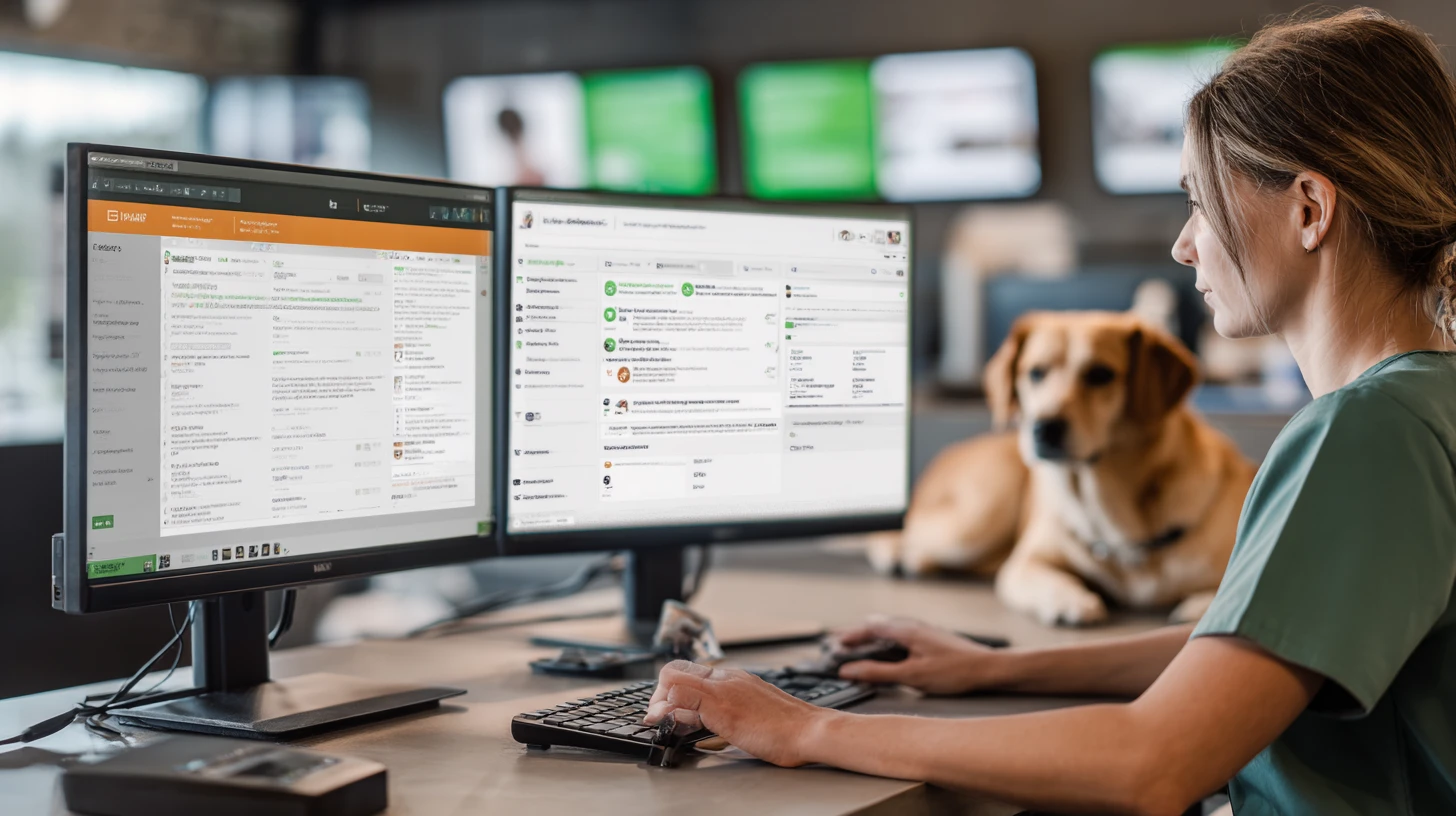
If you're thinking about adding an AI receptionist or AI voicemail assistant—and you probably should be, eventually—here's what "AI-ready" actually means in practice.
Clean routing and clear call intent. If the AI is going to triage calls, it needs to know what comes next. That means you've defined your main intents (schedule, refill, urgent, records, billing), decided which ones should always reach a human immediately, and set up escalation rules for when the AI should transfer.
A single source of truth for voicemails and callbacks. AI voicemail assistants can transcribe and categorize beautifully, but if voicemails are scattered across extensions and callbacks aren't tracked, you've just created a fancier mess. Everything needs to land in one place with clear assignment and follow-up tracking.
Realistic integration expectations. Many AI tools depend on integrations that sound great in demos. Before you commit, verify: Can it write notes back somewhere usable, or will staff retype everything? Can it create tasks or callback tickets, not just transcripts? Can it handle duplicate clients and ambiguous caller identity? What happens when it's unsure?
Consent and transparency policies. If calls are recorded or transcribed, you need proper disclosure. Recording consent requirements vary by state, so confirm with counsel. And have internal guidelines on how recordings and transcripts get used.
Here's the short version: if your phone system is already chaotic, adding AI will usually increase your cleanup work. If the foundation is solid, AI can remove a meaningful chunk of repetitive load. Get the foundation right first.
Features that actually matter (and red flags to watch for)
You'll see long feature lists. Focus on what maps to your call flow and staffing reality.
Must-haves for most clinics: Call queues with callback options. Ring groups with overflow rules. Time-of-day routing for lunch, after-hours, and holidays. Centralized voicemail management. Call recording (if you can manage storage and compliance). Real reporting on missed and abandoned calls. A mobile app that staff will actually use for overflow and on-call situations.
Nice-to-haves for multi-location groups: Centralized answering pools across sites. Call whisper so staff knows the queue or intent before they pick up. Skill-based routing (refills to techs, scheduling to CSRs). Per-location analytics for staffing optimization. Integration hooks for your PIMS, texting platform, and helpdesk.
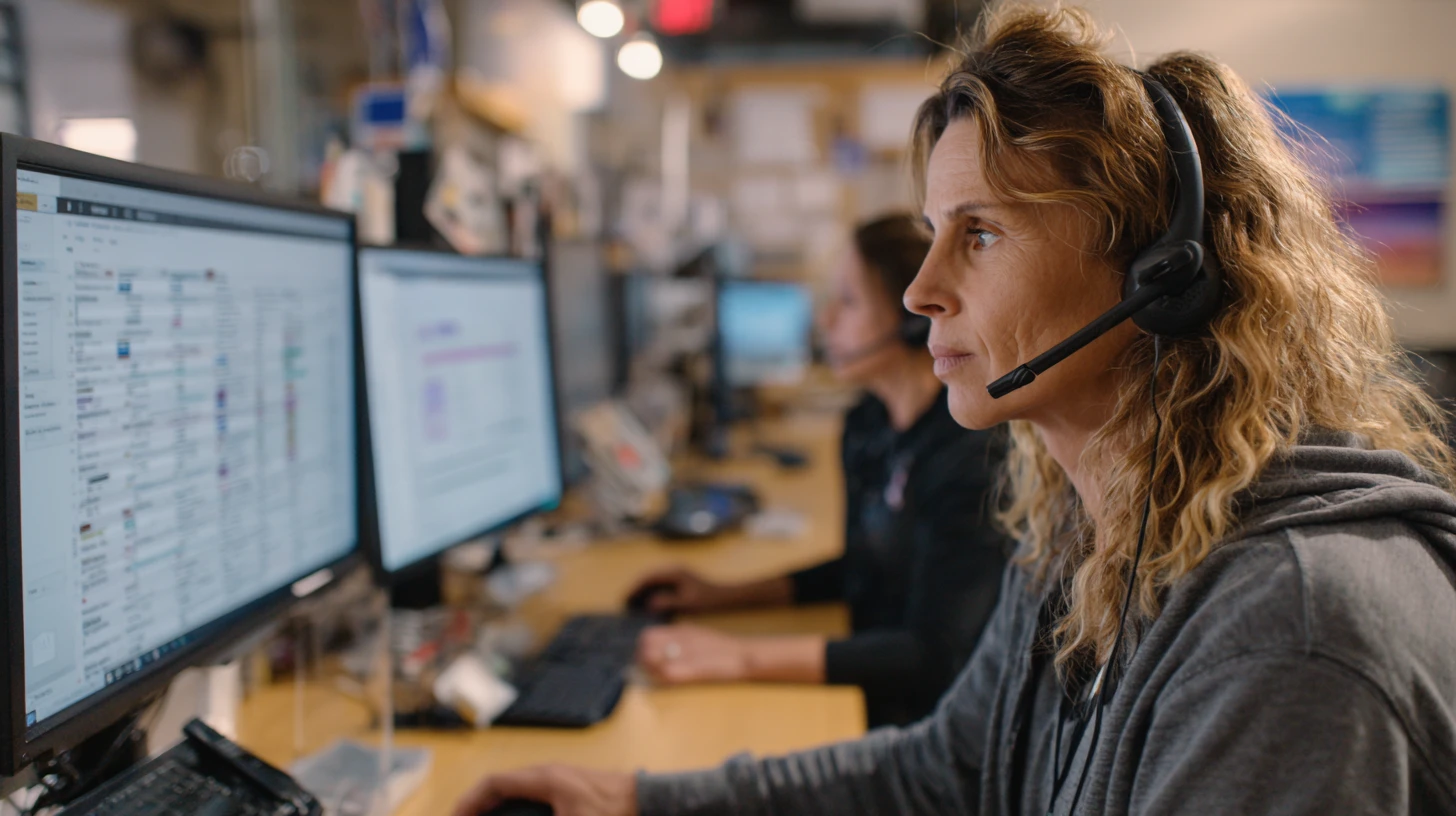
Red flags disguised as features: Complex IVR trees that nobody maintains. "Analytics" that only show basic totals with no hourly detail. Voicemail per extension with no shared management. Reporting that requires manual CSV exports. Pricing that's impossible to understand without a sales call.
Questions that reveal the truth fast
When you talk to vendors, you're trying to uncover operational fit, not just demo polish. Here's what to ask:
On call flow and routing: "Walk me through how you'd route these three call types in our clinic: urgent, refill, new client appointment." "How do queues handle overflow?" "Can we offer callback, and how does it work on the staff side?"
On missed-call reporting: "How do you define missed calls versus abandoned calls versus unanswered calls?" "Can you show me volume by hour and day for the last 30 days in the dashboard right now?" "Can we break it down by location and by user?"
On reliability: "What happens if our internet drops?" "Do you support automatic forwarding to cell phones?" "What's your uptime SLA, and what's your support process during outages?"
On implementation: "How long does number porting usually take?" "What do you need from us to avoid a messy cutover?" "Do you run a parallel period?"
On AI readiness: "Where do recordings, transcripts, and voicemails live?" "Can callbacks be assigned and tracked?" "What integration options exist for task creation?"
On pricing: "What's included per line, per location, per user?" "What costs extra—recording storage, analytics, SMS, AI features?" "What hardware is required versus optional?"
If the vendor can't clearly explain how they define and report missed calls, treat any ROI claims as marketing.
A simple scorecard for demos
If you want a reusable version of this demo rubric, grab the Vendor Scorecards template and keep your team aligned across every vendor.
Rate each area 1-5 during your demos:
-
Call flow fit – queues, overflow, after-hours, urgent handling
-
Missed-call reduction tools – callback, queue behavior, centralized voicemail
-
Reporting quality – hourly breakdowns, per-location data, actionable metrics
-
Reliability and failover – internet outage plan, support responsiveness
-
Staff usability – CSR speed, tech adoption, mobile experience
-
Implementation confidence – porting plan, training, parallel run option
-
AI readiness – if you're planning to layer AI now or later
Any score of "1" in call flow fit, reliability, or reporting is usually a deal-breaker. Those are foundational.
Implementation: how to avoid the "new system chaos" week
A phone system change can be smooth, but only if you treat it like a real project.
Phase 1: Design (1-2 weeks). Map call types and routing rules. Define business hours, holidays, lunch routing. Decide overflow behavior. Settle voicemail and callback handling.
Phase 2: Pilot (2 weeks). Test with one location or a subset of lines. Measure baseline versus pilot period on missed calls, hold time, and callback completion. Pressure test during your peak times intentionally.
Phase 3: Cutover. Run parallel where possible. Train CSRs first, then techs, then doctors—and only on what each group actually needs. Assign an internal owner for ongoing routing maintenance.
Phase 4: Optimize (first 30 days). Adjust staffing using call-by-hour data. Simplify the IVR if callers are getting stuck. Tune overflow and callback rules. Revisit AI layering only after the foundation is stable.
If you prefer PDFs you can print and use in meetings, the Downloads page has your worksheets and checklists in one place.
Common mistakes (and how to avoid them)
Buying the "best" system instead of the right call flow. Design your routing and ownership rules first, then find the system that supports them—not the other way around.
Ignoring failover and internet reliability. Insist on a documented failover plan. Test it before you need it.
Overcomplicating the IVR. Keep choices minimal. Route quickly. Use callback as relief, not endless hold music.
Treating reporting as optional. If you can't measure missed calls and peak hour load, you can't improve staffing or prove ROI.
Adding AI before the foundation is stable. Get routing, queues, and voicemail ownership working first. Then layer on AI.
The bottom line
Phone systems aren't exciting. Nobody goes to VMX to see the latest in call queue configuration. But they're one of the few purchases that can improve revenue, client experience, and staff stress simultaneously, if you get the foundation right.
If you want to compare real options (and not just sit through demos), start with the Phone Systems and VoIP category and shortlist from there.
If you're eyeing an AI receptionist or AI voicemail assistant, treat your phone system as the foundation it is. Build clean call flow, reliable routing, clear ownership, and reporting you actually trust. Then add AI as an accelerator.
Because in a veterinary clinic, the best technology is the technology that still works on the busiest Monday of the year.

Adam Wysocki
Contributor
Adam Wysocki, founder of VetSoftwareHub, has over 35 years in software and almost 10 years focused on veterinary SaaS. He creates practical frameworks that help practices evaluate vendors and avoid costly mistakes.
Connect with Adam on LinkedIn


