10 Questions to Ask Before You Sign an AI Scribe Vendor
Use these 10 questions to evaluate AI scribe vendors for veterinary medicine, covering accuracy, meds and dosing risk, privacy, pilots, pricing, and exit terms.

Before you commit to a 12-month (or month to month) agreement for a veterinary AI scribe, ask these questions to protect clinical quality, staff time, and your data.
Why This Matters for Every Practice
Most AI scribe demos are designed to feel effortless. Quiet room, perfect audio, cooperative client, no interruptions, and a beautiful SOAP note appears in seconds.
That is not a normal day in a veterinary hospital.
In real life you have overlapping speakers, barking, shorthand, fast medication discussions, and clinicians making decisions out loud while moving. If the tool is wrong in the ways that matter (meds, dosing, instructions, attribution), it can create risk while still looking polished.
Your job in procurement is not to be impressed, it is to uncover reality.
If you want a repeatable demo process, pair this list with the Vendor Interview Cheatsheet so every vendor gets graded the same way.
What You’ll Learn
These ten questions help you evaluate three things:
-
Note safety (accuracy where it matters, not just fluency)
-
Workflow fit (time saved minus review and cleanup)
-
Risk and exit strategy (data handling, training use, cancellation terms)
Plan for 45 to 60 minutes in the demo. Ask each question out loud. Write down the exact answers.
Question 1: Show Me the Full Workflow From “Start Recording” to a Signed Note
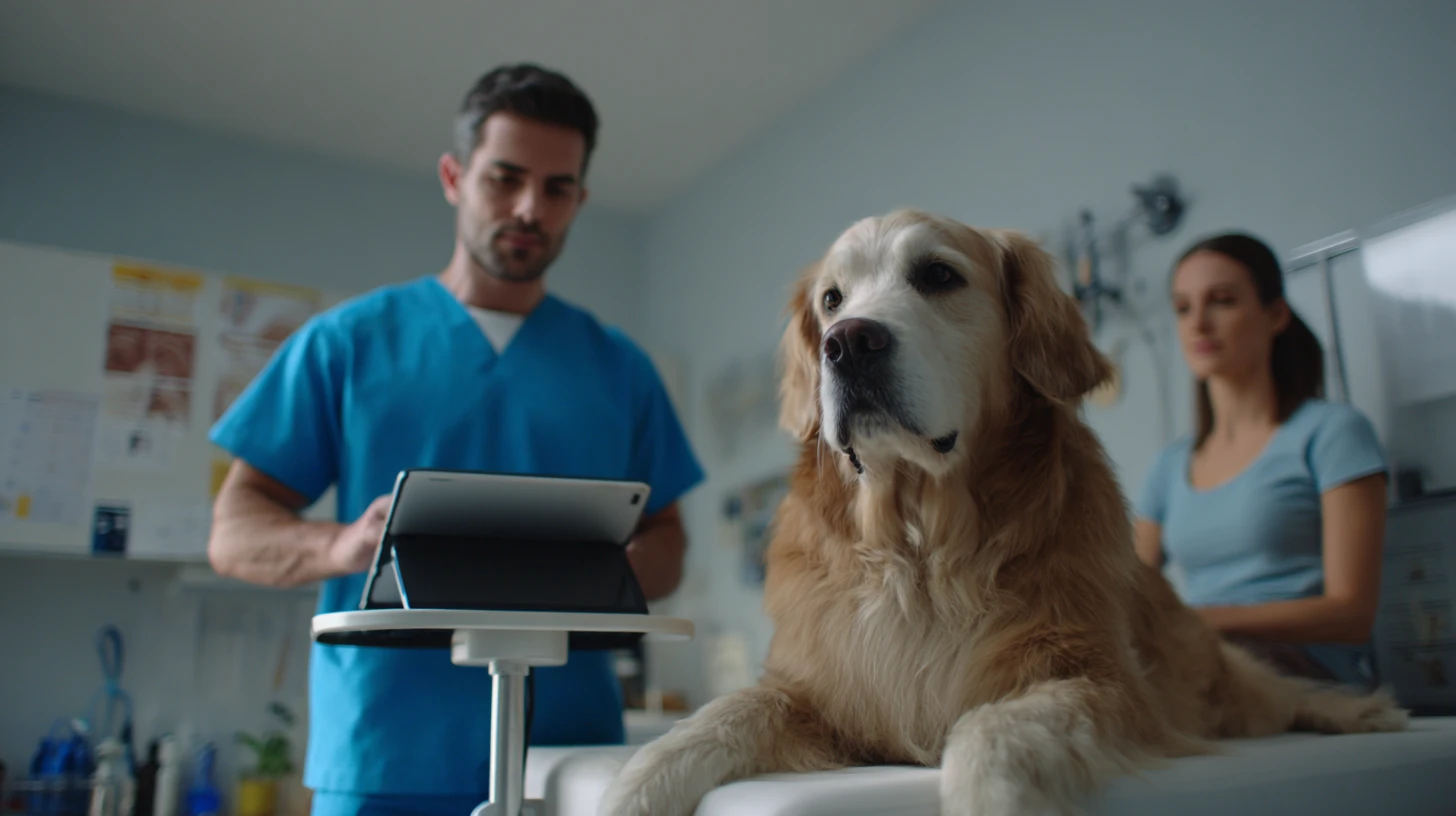
Plain English version: “Where does this actually live, and what do my doctors actually do?”
What to Ask
-
How does a clinician start and stop recording in a real exam room?
-
What happens if the clinician forgets to stop recording?
-
Where does the draft note appear, and how is it reviewed and signed?
-
Can techs create drafts and doctors sign, or is it provider-only?
-
What is the fastest “busy day” workflow that still produces a safe note?
Good Answers Sound Like This
-
“One tap to start, one tap to stop, the draft note appears inside your workflow in under 60 seconds, then the clinician reviews and signs before it is committed.”
-
“We separate transcript and note draft, you can disable transcript visibility if you want, and the final note is always clinician-signed.”
-
“If the app fails mid-visit, it stops, saves what it has, and flags the note as incomplete.”
Weak Answers Sound Like This
-
“It’s super easy, your doctors will figure it out.”
-
“Most practices just leave it running all day.”
-
“The note shows up in our dashboard, you can copy and paste it.”
Red Flag
If the product depends on copy and paste as the primary workflow, you are buying friction.
Question 2: How Do You Handle Medications, Dosing, and Abbreviations (The Red Zone)
Plain English version: “How do you keep this from confidently getting meds wrong?”
What to Ask
-
Do you highlight meds, doses, units, and instructions for extra verification?
-
Can we add custom vocabulary (drug names, clinic abbreviations, internal shorthand)?
-
Can we define preferred expansions (SID vs q24h, SQ vs SC, and your clinic’s terms)?
-
What happens when the tool is unsure, does it flag uncertainty or guess?
Good Answers Sound Like This
-
“We maintain a clinic dictionary, we can add your top meds and abbreviations, and we highlight high-risk items for review.”
-
“We do not auto-correct dosing, we keep the raw phrase visible, and we flag potential unit ambiguity.”
-
“You can lock certain expansions and prevent the model from ‘helpfully’ rewriting them.”
Weak Answers Sound Like This
-
“Our accuracy is very high.”
-
“The model learns over time.”
-
“It usually gets drug names right.”
Red Flag
If they cannot show you a dictionary workflow, your pilot will be full of medication clean-up.
Question 3: What Are Your Known Failure Modes, and What Safeguards Reduce Them
Plain English version: “Tell me what goes wrong before it happens to us.”

What to Ask
-
What are the most common errors you see (omissions, hallucinations, attribution, dosing, instructions)?
-
Do you provide a quality review mode (diff view, highlighted changes, confidence flags)?
-
Can we require clinician verification on specific sections (meds, assessment, plan)?
-
Do you have audit tooling (spot-check sampling, error tagging, trend reporting)?
Good Answers Sound Like This
-
“We can show you our top error categories, and we provide tooling to catch them during review.”
-
“We support structured templates, so missing sections are obvious.”
-
“We let you enable a ‘high-risk highlight’ mode for medication and plan content.”
Weak Answers Sound Like This
-
“We don’t see hallucinations.”
-
“It’s basically perfect if the audio is clear.”
-
“Doctors just read it quickly.”
Red Flag
If they dismiss failure modes, they are not operating like a clinical vendor.
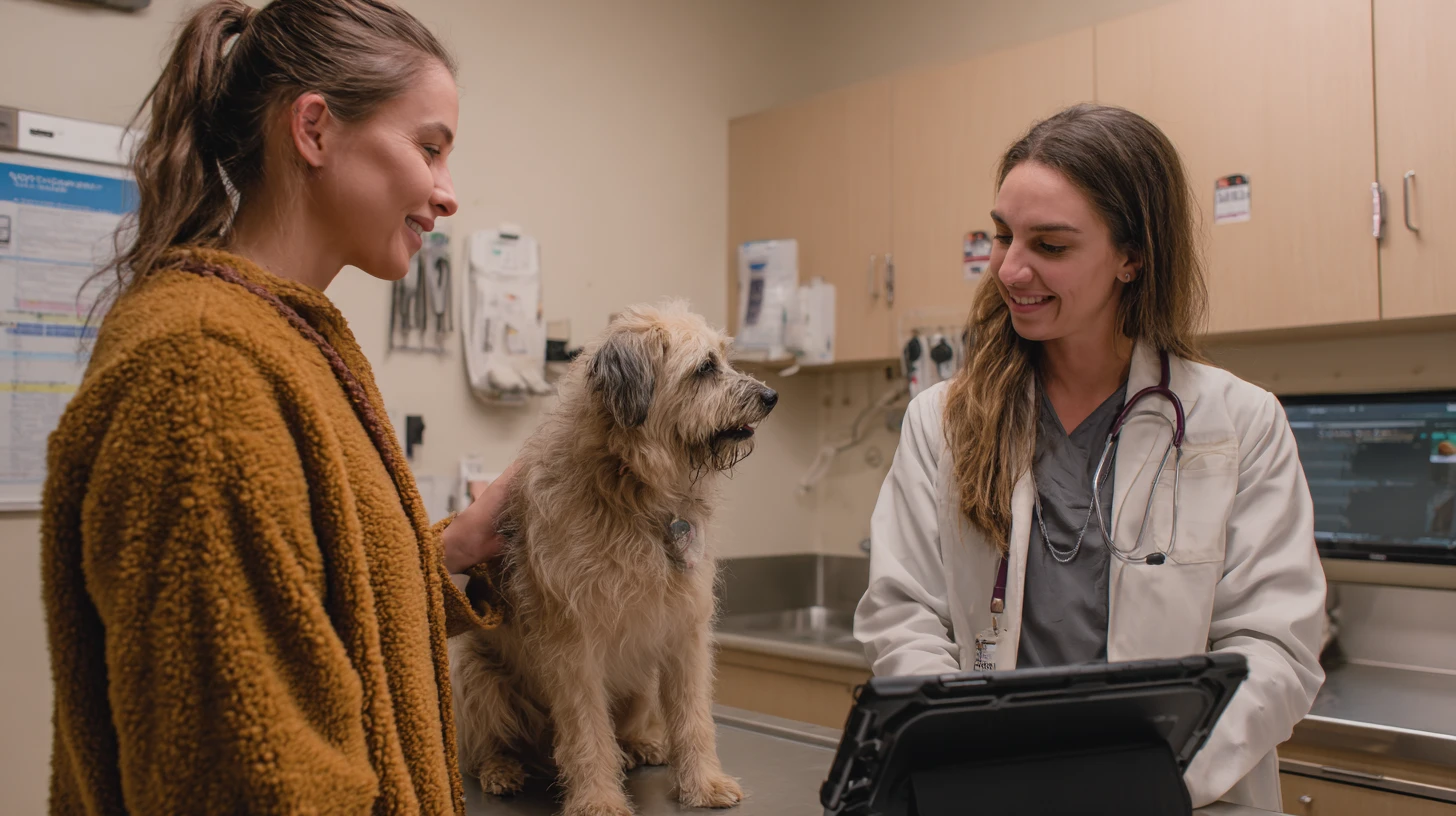
Question 4: Can It Separate Speakers Reliably in a Noisy Exam Room
Plain English version: “Can it tell the difference between the doctor, the client, and the tech?”
What to Ask
-
How do you handle overlapping speech, interruptions, and background noise?
-
Do you support speaker labeling (clinician vs client) and is it accurate in real conditions?
-
What hardware or mic setup do you recommend (phone, tablet, workstation mic, room device)?
-
Can we test in our worst room, not your best room?
Good Answers Sound Like This
-
“We handle multi-speaker audio, and we recommend specific setups based on room acoustics.”
-
“We tag speaker turns, and we have a quick correction flow when attribution is wrong.”
-
“We will do a live test in your clinic environment during your busy window.”
Weak Answers Sound Like This
-
“Noise has never been an issue.”
-
“Just use any device.”
-
“If it’s hard to hear, try speaking more clearly.”
Red Flag
If the solution is “change your people,” it is not a workflow solution.
Question 5: Where Does the Audio Go, How Long Is It Retained, and Who Can Access It
Plain English version: “Who can listen to our exam rooms, and for how long?”
What to Ask
-
Is audio stored, streamed and discarded, or configurable?
-
What is the default retention for audio, transcript, and note draft?
-
Who can access these artifacts (your staff, their staff, subcontractors)?
-
Can we enforce deletion, and do we get written confirmation of deletion?
Good Answers Sound Like This
-
“Audio retention is off by default, or configurable, with clear retention controls.”
-
“We restrict internal access, log all access, and you can export and delete.”
-
“We provide a clear data lifecycle, including what is stored, where, and for how long.”
Weak Answers Sound Like This
-
“We keep recordings for quality purposes.”
-
“We can’t change retention.”
-
“Our security team handles that.”
Red Flag
If they cannot describe the data lifecycle in plain language, do not sign.
Question 6: Is Our Data Used for Model Training, and What Subprocessors Touch It
Plain English version: “Are you improving your product using our exam-room audio?”
What to Ask
-
Is customer data used to train or improve any models (audio, transcript, drafts, final notes)?
-
Is that opt-in or opt-out, and where is it in the contract?
-
Are third-party model providers involved, and what are their data-use terms?
-
Do you provide a current subprocessor list and change notifications?
Good Answers Sound Like This
-
“We do not train on your data by default, and we can put that in the contract.”
-
“If training is offered, it is explicit opt-in, with a clear scope.”
-
“Here is the subprocessor list, and we notify you before changes.”
Weak Answers Sound Like This
-
“We de-identify everything, so it’s fine.”
-
“We may use data to improve performance.”
-
“We don’t disclose subprocessors.”
Red Flag
If the answer is vague, assume your data is a product input.
Question 7: How Does This Integrate With Our PIMS, and What Writes Back Automatically
Plain English version: “Do we still retype everything somewhere else?”

What to Ask
-
Which PIMS do you integrate with today (not roadmap)?
-
What do you read from the PIMS (patient, visit type, problems, meds)?
-
What do you write back (note, codes, tasks, attachments, summaries)?
-
Can you write into the correct patient record without manual matching?
Good Answers Sound Like This
-
“We write the note back into the correct visit, and we can include structured sections.”
-
“We support templates per appointment type.”
-
“We reduce double entry, the note lands where your team already lives.”
Weak Answers Sound Like This
-
“We integrate, you can export.”
-
“Copy and paste is quick.”
-
“We support your PIMS soon.”
Red Flag
If write-back is missing, the time savings often evaporate.
Question 8: What Reporting Proves Time Saved and Note Quality, and Can We Export It
Plain English version: “How do we know this is actually working after week three?”
What to Ask
-
Time saved per note (median, not best-case)
-
Review time and correction time
-
Error tracking (omissions, hallucinations, attribution, meds, dosing)
-
Adoption metrics (usage by clinician, drop-off reasons)
-
Export options (CSV, API, or at least a clean export)
Good Answers Sound Like This
-
“We show time saved and review time, and you can export it.”
-
“We support audit sampling and issue tagging so you can track error categories.”
-
“We help you build a pilot scorecard and measure it consistently.”
Weak Answers Sound Like This
-
“You’ll feel the time savings.”
-
“Doctors love it.”
-
“We have analytics, it’s in the enterprise plan.”
Red Flag
If data is treated like an upgrade, you will struggle to justify ROI.
To prove ROI beyond vibes, use 5 Metrics to Track Before and After Veterinary Software Adoption to set a baseline for time saved, review time, and error rates.
Question 9: What Does a Safe 30-Day Pilot Look Like, and What Stop Rules Do You Recommend
Plain English version: “How do we test this without gambling with real notes?”
What to Ask
-
Which visit types should we pilot first, and which should be excluded?
-
What is your recommended audit approach (how many notes per week to review deeply)?
-
What stop rules are reasonable (medication errors, attribution failures, invented findings)?
-
What changes can be made during pilot (dictionaries, templates, prompts, settings)?
Good Answers Sound Like This
-
“Pilot with 1 to 2 clinicians and 1 to 2 visit types, then expand after quality holds.”
-
“We expect medication cleanup early, we provide tools to reduce it quickly.”
-
“Here are standard stop rules, and here’s how we help you audit.”
Weak Answers Sound Like This
-
“Just roll it out and see who likes it.”
-
“Our tool is safe, no need for auditing.”
-
“If it’s wrong, the doctor will fix it.”
Red Flag
If they do not respect piloting, they do not respect risk.
Question 10: What Are the Contract Terms, Pricing Model, and Exit Rights If We Leave
Plain English version: “If this is not working in month 4, what happens?”
What to Ask
-
Contract length, auto-renewal, and cancellation notice window
-
Any onboarding fees, minimum seats, usage caps, minute-based charges
-
Costs for retention, storage, exports, or advanced reporting
-
Data export rights (notes, transcripts, metadata), and format
-
Deletion guarantees and how they are verified
Good Answers Sound Like This
-
“Here is the exact cancellation language, here is how you export, here is deletion in writing.”
-
“Pricing is transparent, no surprise per-minute fees, and storage terms are clear.”
-
“You keep your notes, and you can take your data with you.”
Weak Answers Sound Like This
-
“We’ll work with you on the contract.”
-
“Exports are available upon request.”
-
“Pricing depends.”
Red Flag
If leaving is painful, you are being locked in, not supported.
Before you sign, run the agreement through Veterinary Software Contracts: The Practical Guide to Reviewing Vet Software Agreements Before You Sign and confirm renewal terms, export rights, and deletion language in writing.
Red Flags That Should Make You Pause
Write these on your checklist. If you hear them, slow down.
-
❌ “We don’t support your PIMS yet, but it’s on the roadmap.”
-
❌ “Just copy and paste, it’s fast.”
-
❌ “We don’t provide a subprocessor list.”
-
❌ “We store audio by default and can’t change retention.”
-
❌ “We don’t see hallucinations.”
-
❌ “It works best if your doctors change how they talk.”
-
❌ “Reporting is only available on our top tier.”
-
❌ “We can’t guarantee deletion.”
A Printable One-Page Checklist to Bring Into Your Next Demo
-
Show the full workflow from recording to signed note
-
How do you handle meds, dosing, and abbreviations
-
What are the known failure modes, and what safeguards exist
-
Can it separate speakers in noisy rooms
-
Where does audio and transcript live, retention and access
-
Training use and subprocessor list clarity
-
PIMS integration, what reads and what writes back
-
Reporting, export, and proof of ROI and quality
-
Safe pilot plan and stop rules
-
Contract terms, pricing, and exit rights
During the demo, ask each question out loud. Write down the exact answer, not the promise.
How to Compare Vendors Side by Side
Before you sign, do three things:
-
Test your worst conditions
Run a pilot during your busiest windows, in your noisiest rooms, with your fastest med discussions. -
Use a consistent scoring rubric
Grade workflow fit, note quality, medication accuracy, attribution, privacy posture, and support responsiveness. -
Do not skip commercial review
If you cannot export and leave cleanly, you are taking long-term risk for short-term convenience.
Next Steps
If you want to go deeper on how to run a structured pilot (including a medication and abbreviations test pack), pair this checklist with your longer buyer’s guide, then shortlist vendors and score them consistently.
For vendor-neutral comparisons across this category, start on VetSoftwareHub and work from the AI scribe listings.
About the Author

Adam Wysocki
Contributor
Adam Wysocki, founder of VetSoftwareHub, has 30 years in software and almost 10 years focused on veterinary SaaS. He creates practical frameworks that help practices evaluate vendors and avoid costly mistakes.
Connect with Adam on LinkedIn


